Home
Poseidon is a service center management solution. It is designed for tracking the inventory and billing for a laptop service center.
- Provide functionality to create a service ticket and a workflow based on it
- Provides a final invoice to the customer
- Various reports to gain insights on improving the business
- JDK 25
- Java IDE (Preferred IntelliJ IDEA Community Edition)
- Git (without this, it will also work fine, as IntelliJ & Eclipse support checkout from the IDE itself)
- Install the JDK
- From git-bash or IntelliJ, start up the Spring Boot app (
./build.sh clean bootRun) - h2 DB is inbuilt and can help work the app in demo mode. We can change the configurations when the product is ready to ship.
- If an external DB is used, restore the DB file from the code ( a file named data.sql is available at src/main/resources/ directory)
- Start the server
- Application will be up and running in
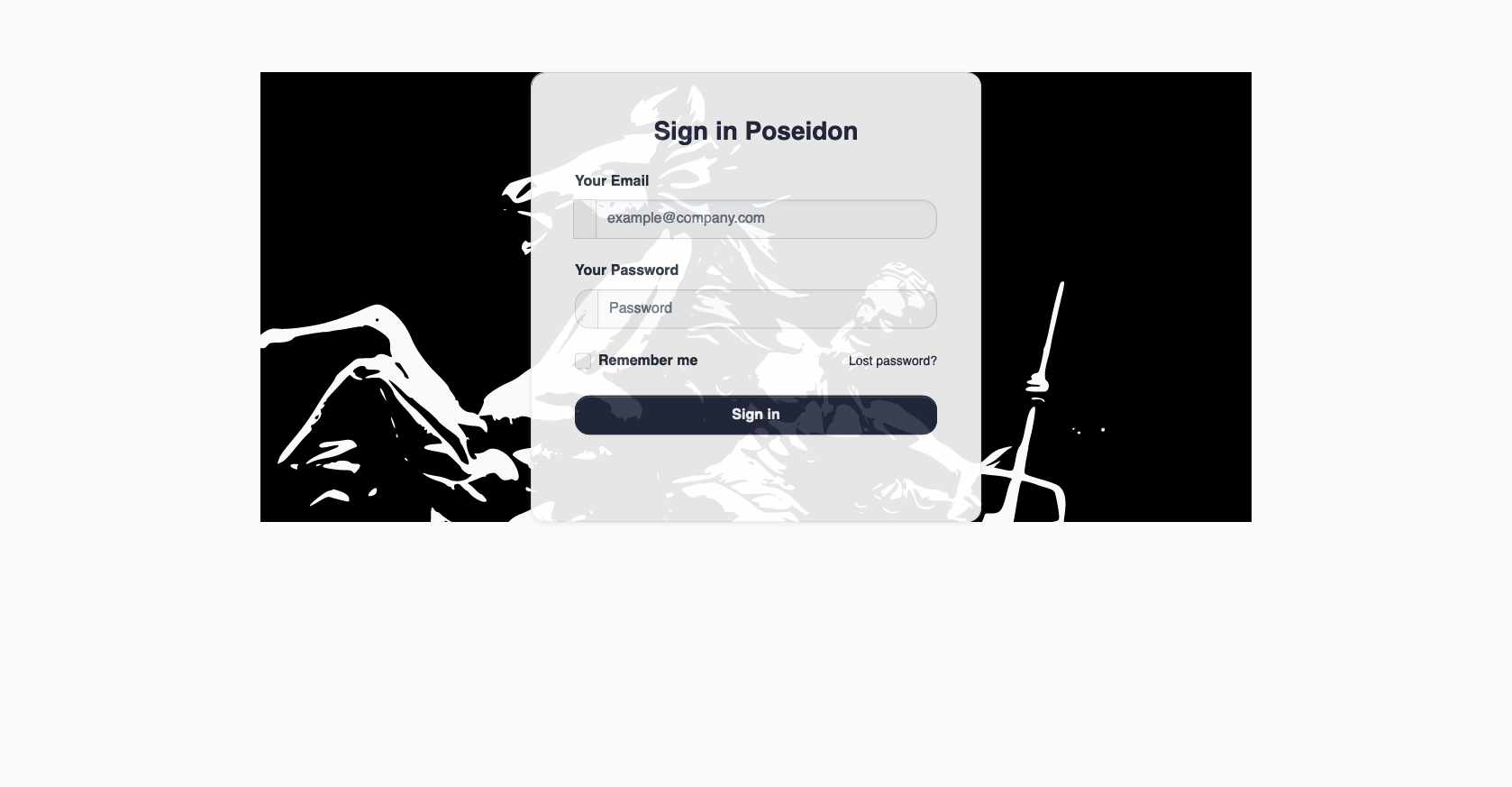
http://localhost:8181/. - Try to log in with the following credentials: Username:
admin@admin.com, password:admin. Explore !!!
- Java 25
- Spring Boot 3.5.6
- Hibernate
- Bootstrap 5
- Jasper reports
- Junit5
- Gradle
- Internationalization of web pages, which is partially done now