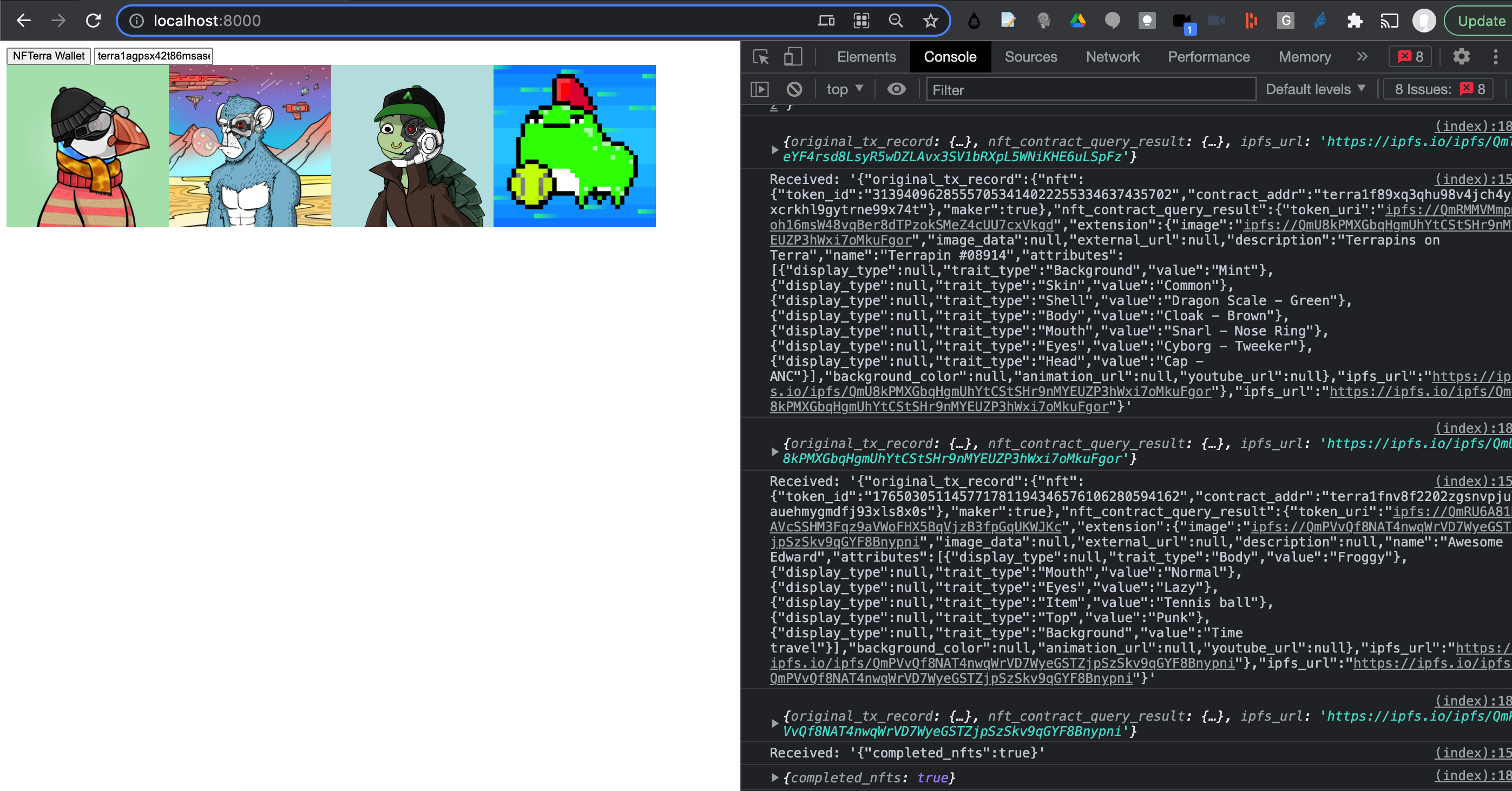
Scrape [TERRA_WALLET_ADDRESS] transactions to find NFTs. Can be downloaded and saved locally, or displayed through a local web server and browser interface.
> npm installYou can run a local web server (with WebSockets).
node server.mjsThen go to localhost:8000. Enter your [TERRA_WALLET_ADDRESS] and click NFTerra Wallet and watch the NFTs showing up. Assuming they are hosted on IPFS and they are PNG images, and there are no bugs. :)
You can also run the project on the command line.
> node main [TERRA_WALLET_ADDRESS]Downloads and saves images into nft_images_[TERRA_WALLET_ADDRESS] directory, if save_files option is set to true. Produces a nft_log_[DATETIME].log file and nft_data_[TERRA_WALLET_ADDRESS].json file that contains an array of JSON objects each of which represents an NFT found with the IPFS_URL property used to either download the image or to reference the image in the index.html.