-
User Authentication:
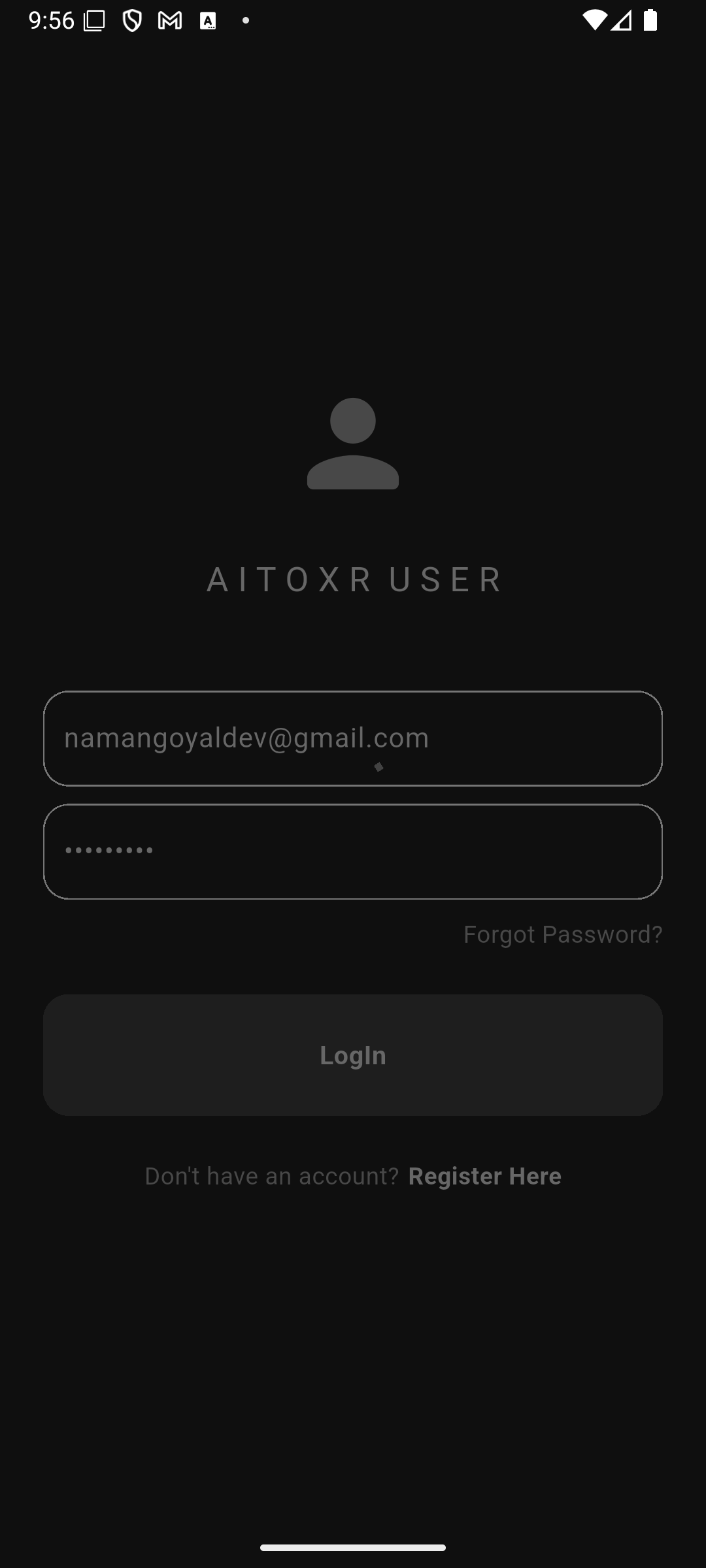
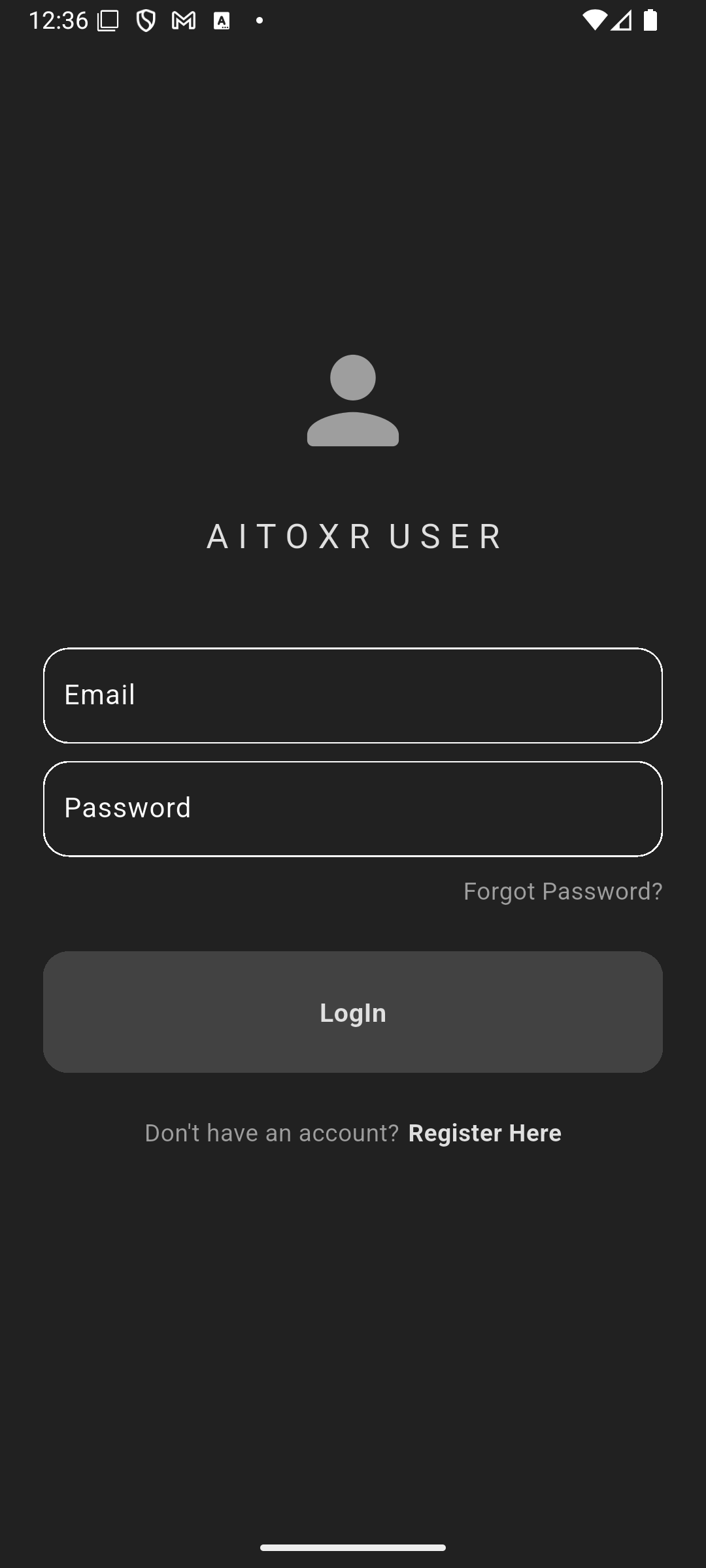
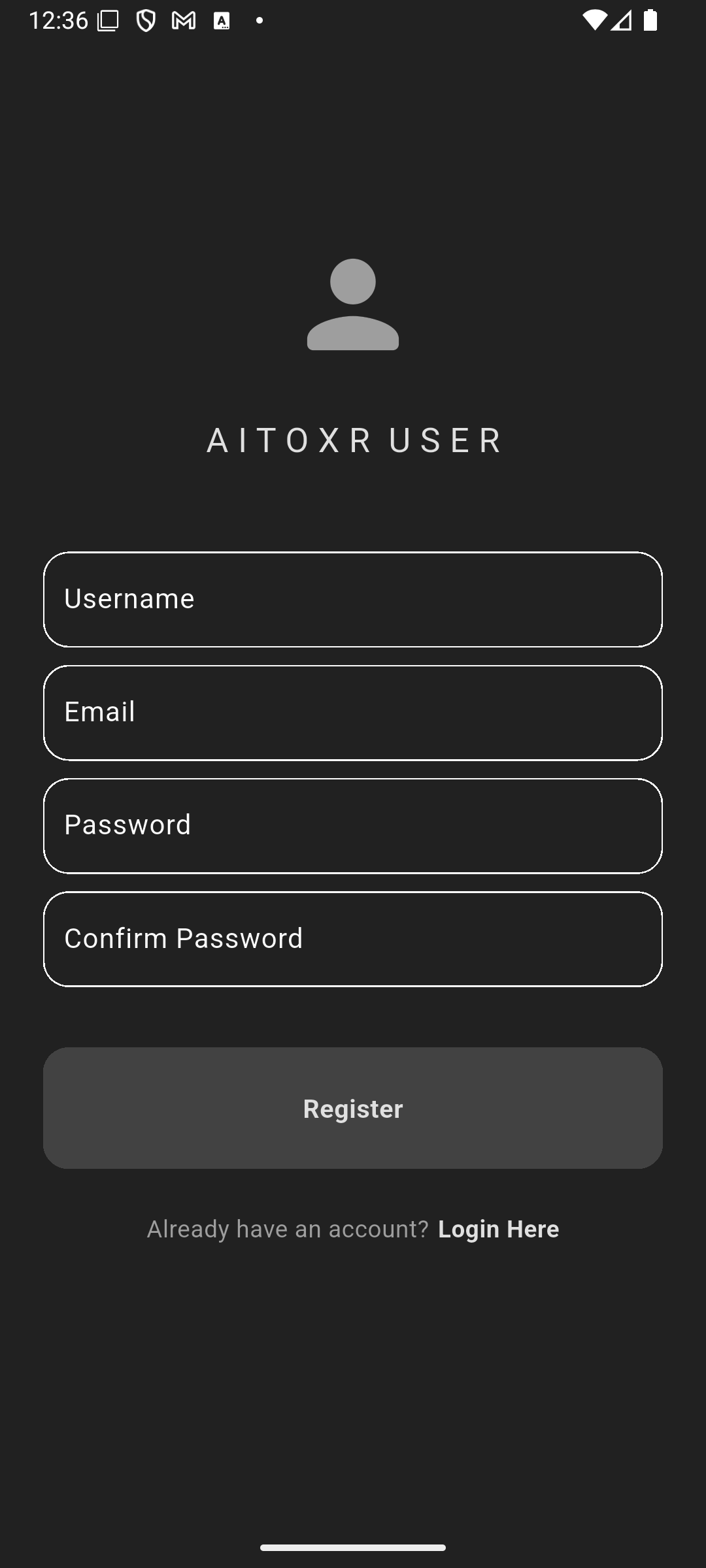
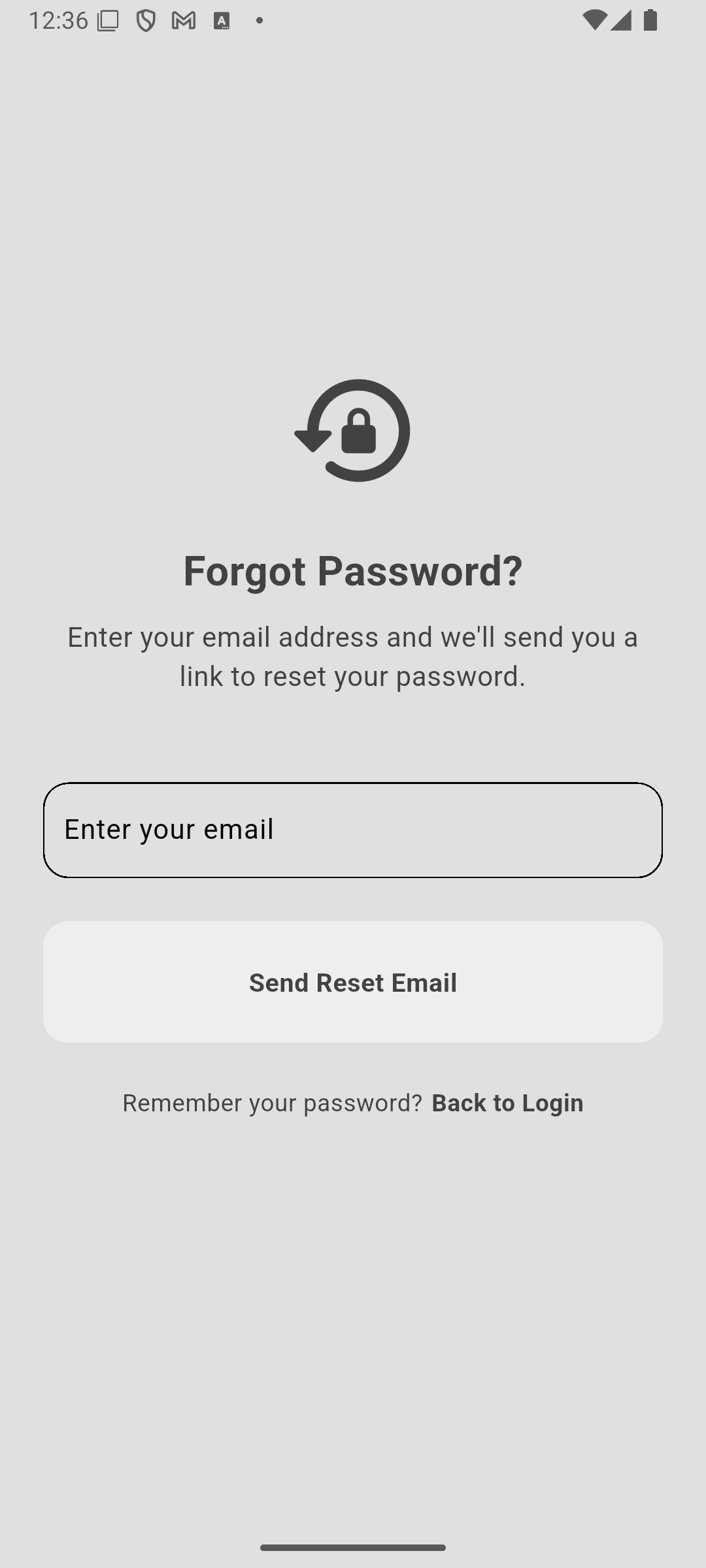
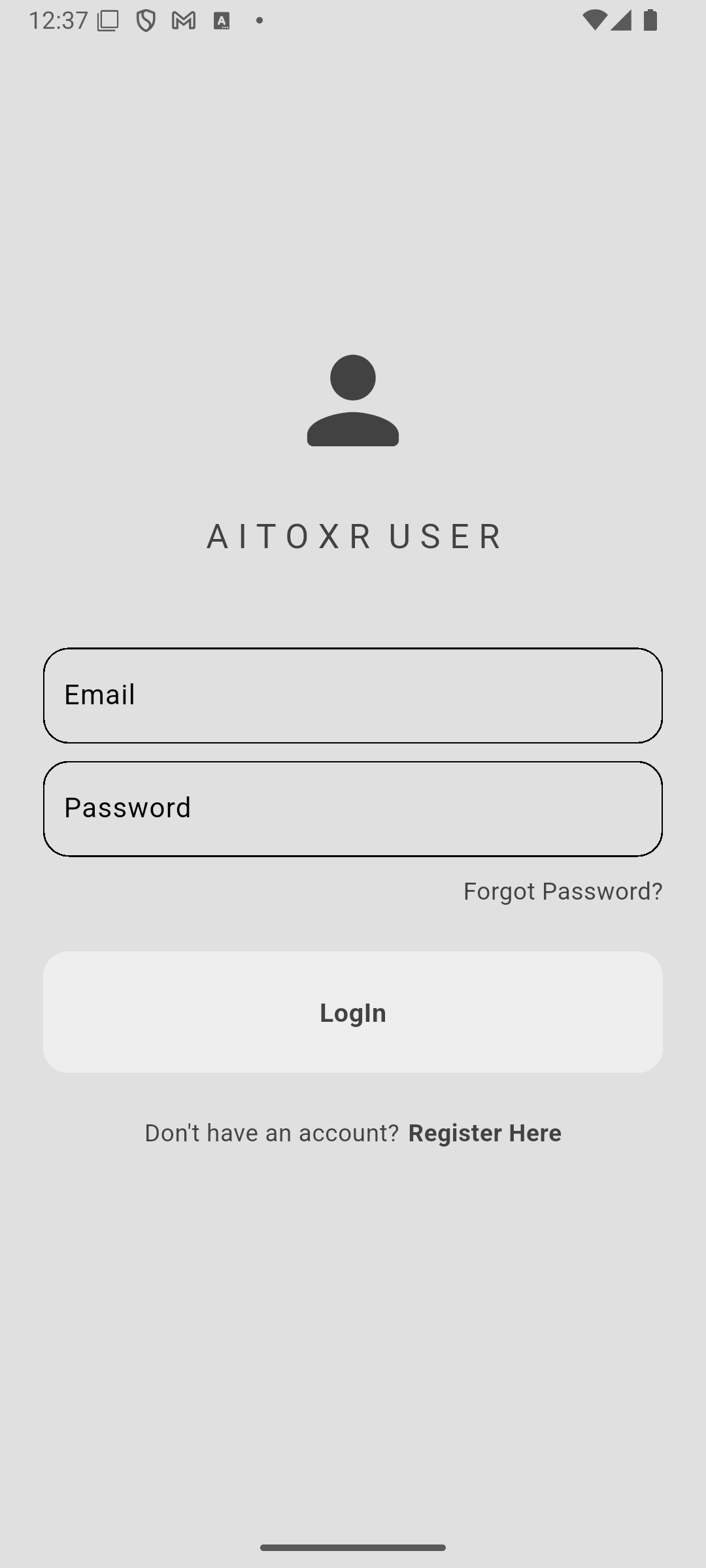
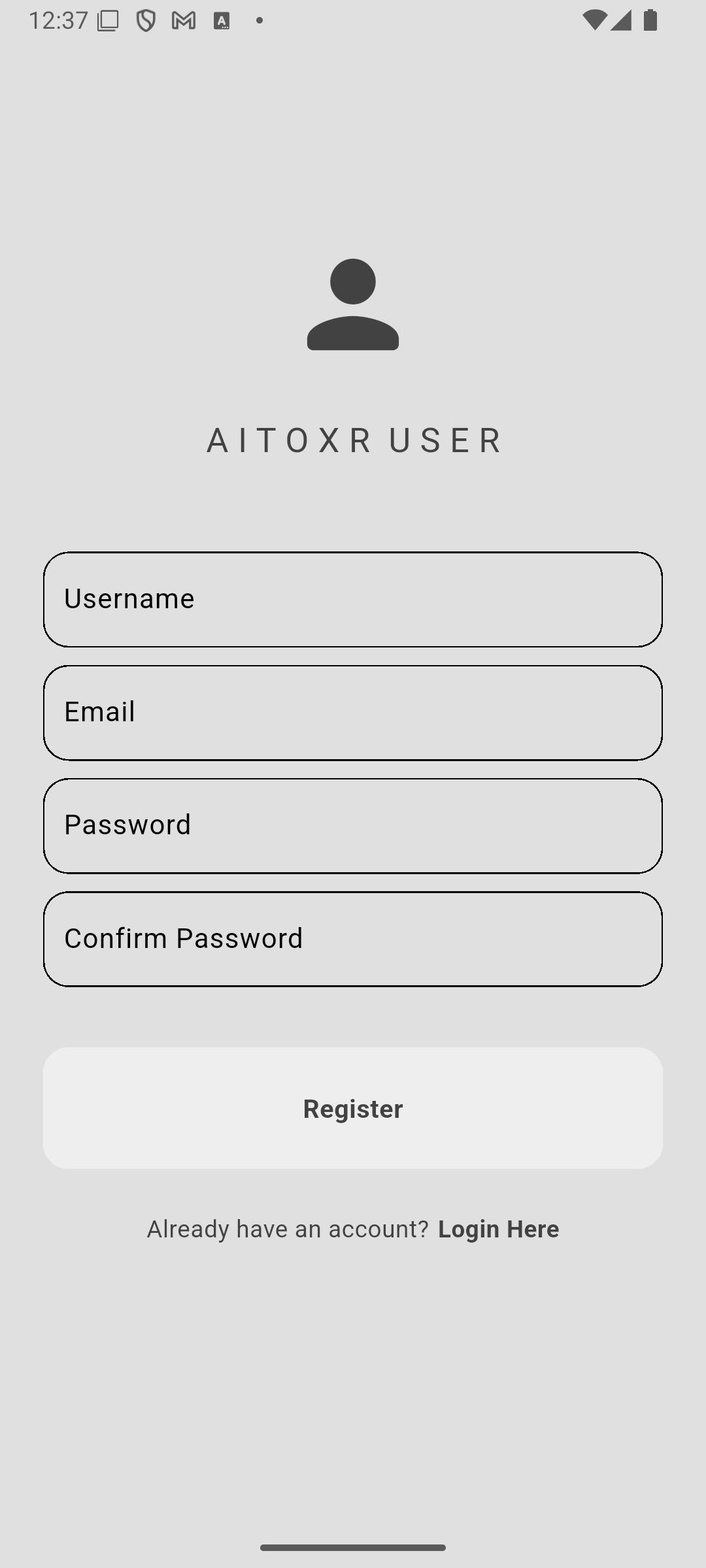
- Users can sign up or log in using their email and password.
- Authentication is handled via Supabase's authentication service.
-
Home Feed:
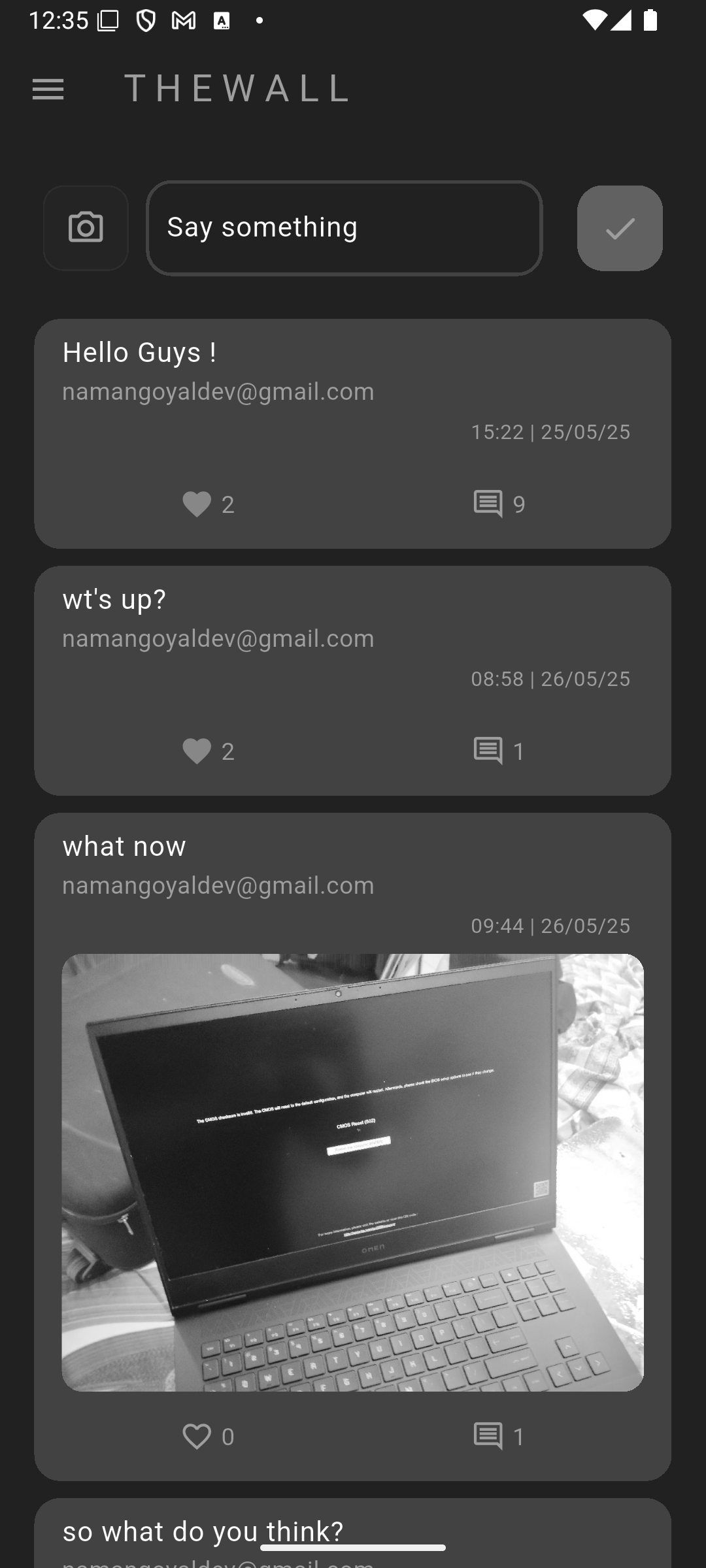
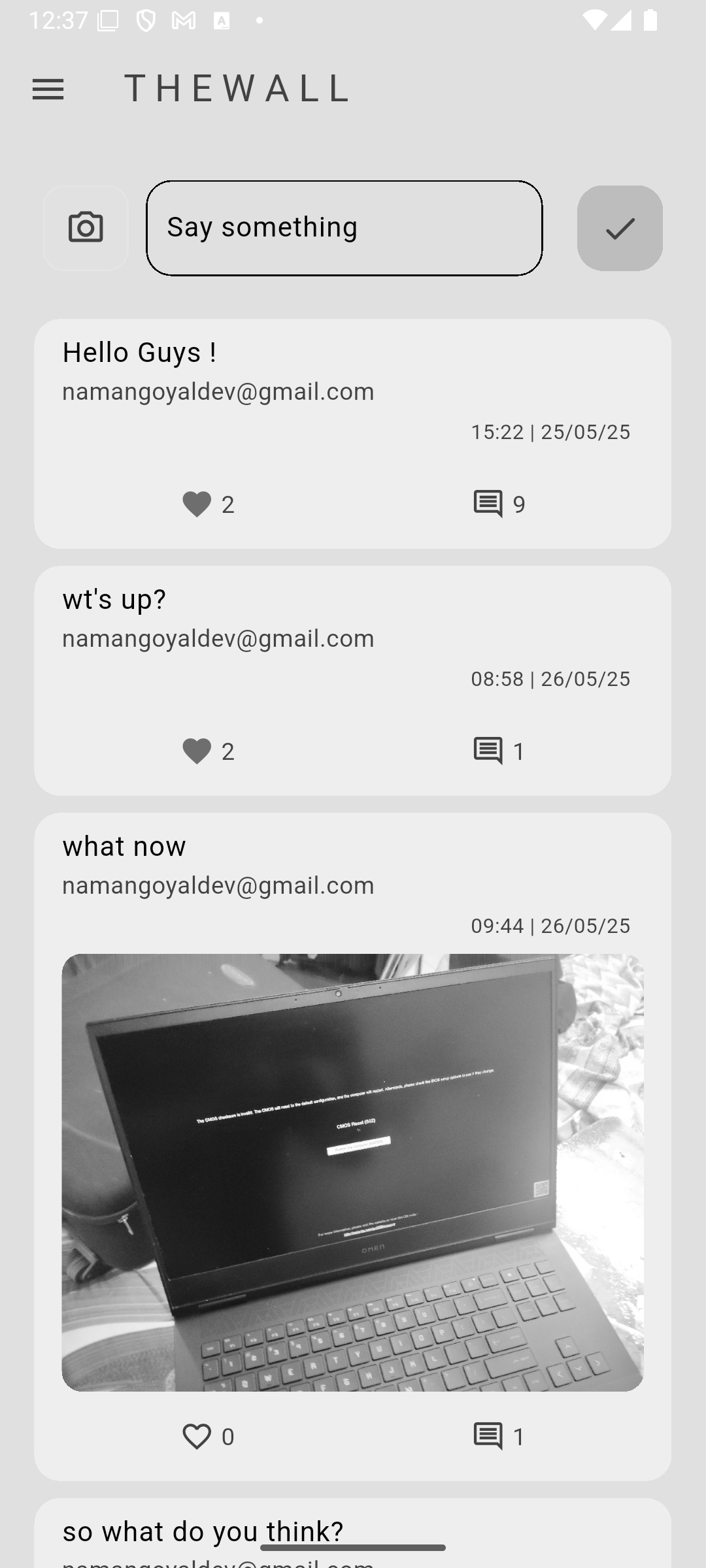
- After logging in, users are directed to the home feed.
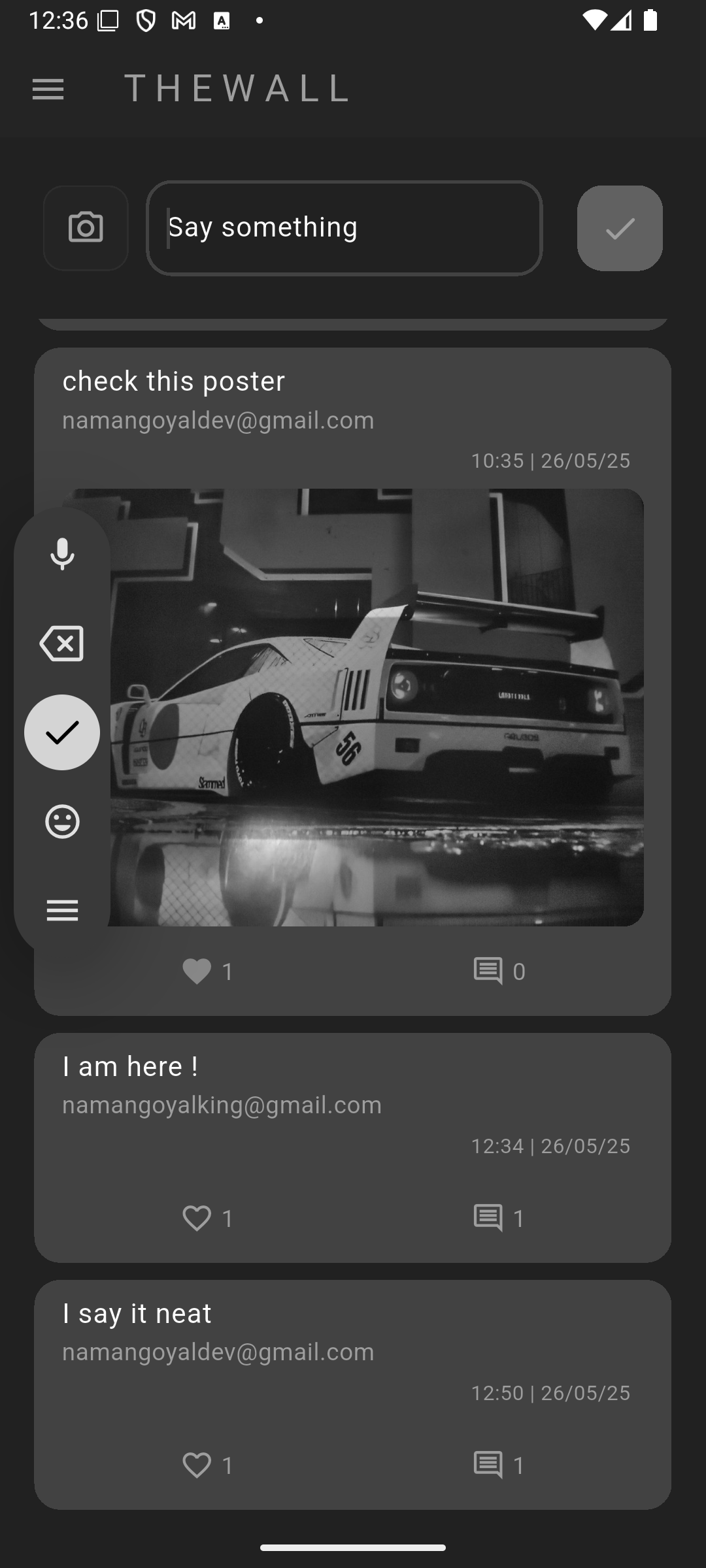
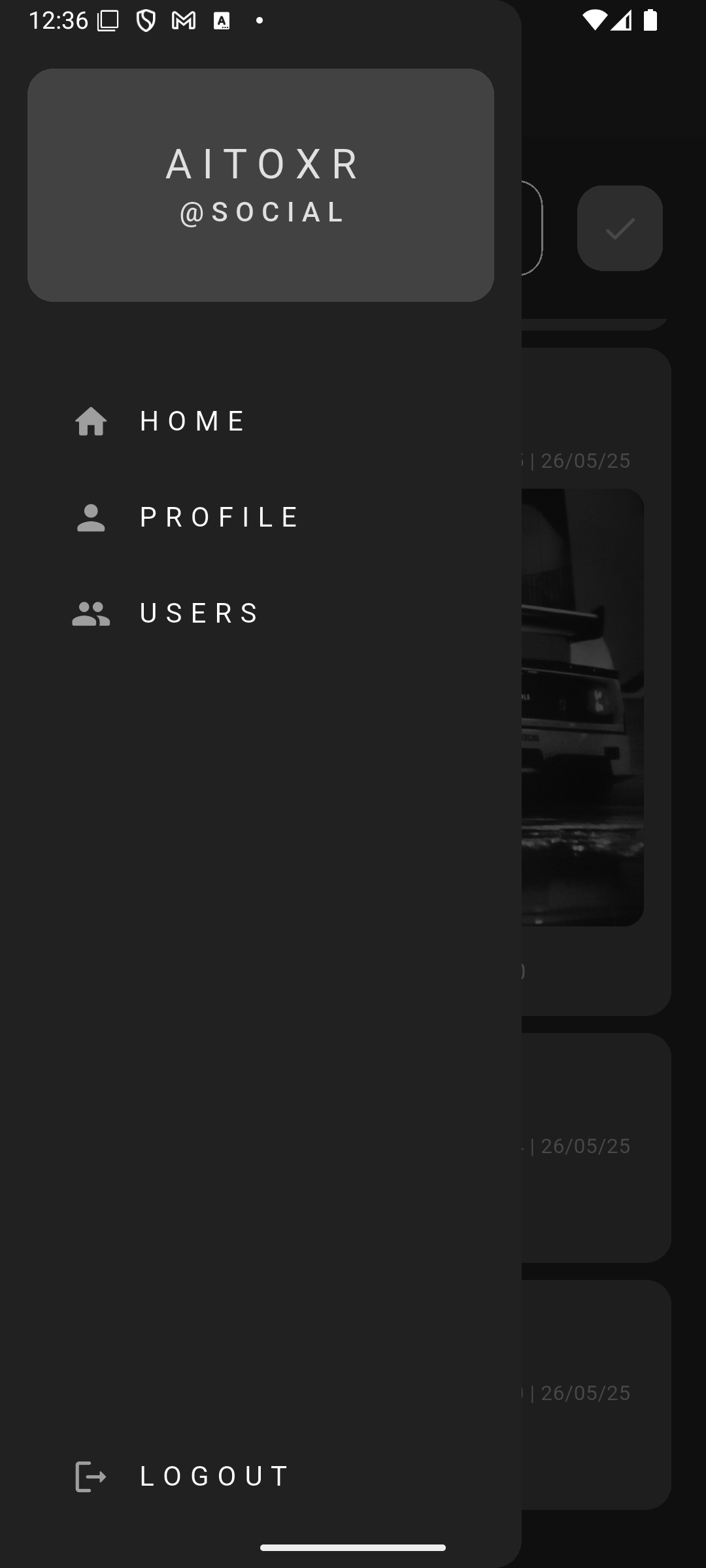
- The feed displays posts from all users, sorted by the most recent.
-
Creating a Post:
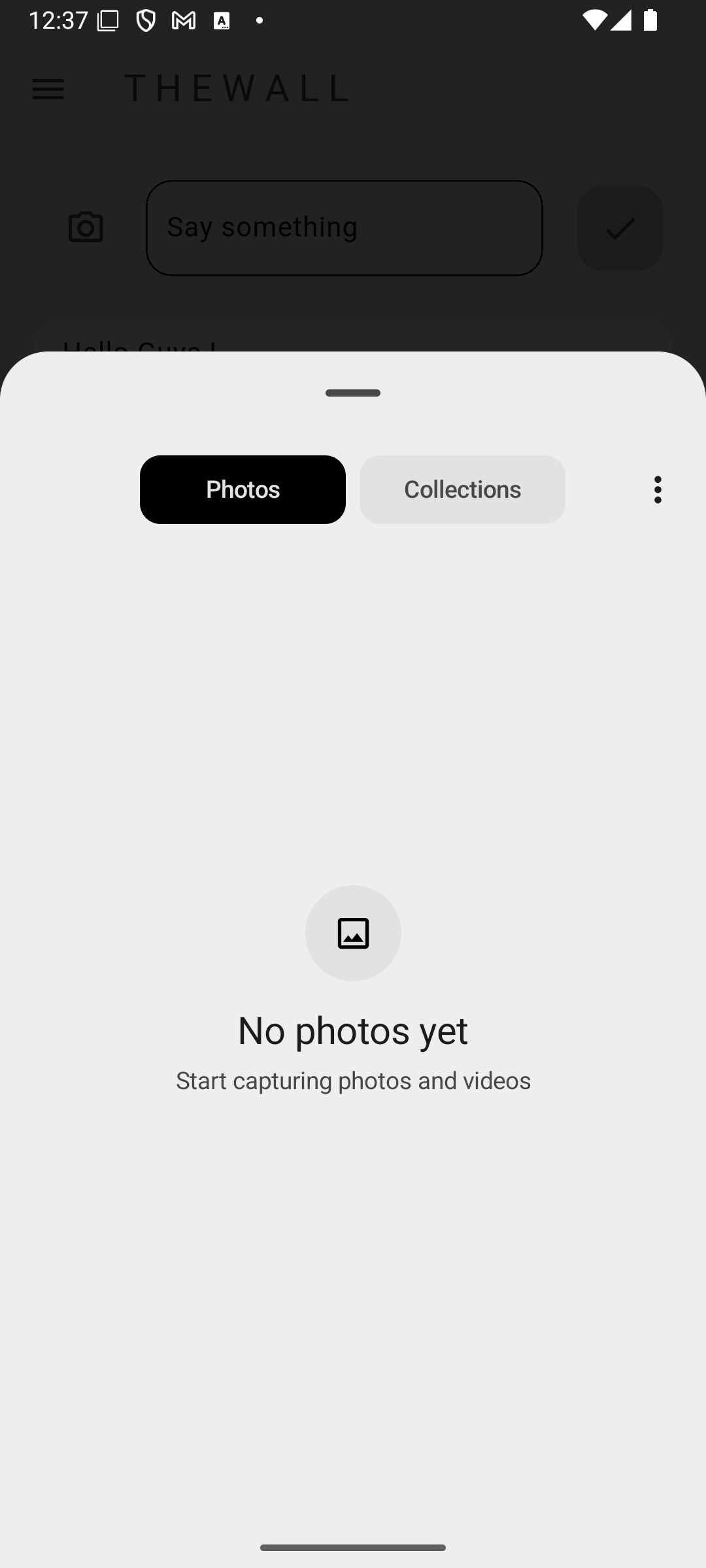
- Users can create a new post by uploading an image and adding a caption.
- The post is then stored in the database and appears on the home feed.
-
User Profiles:
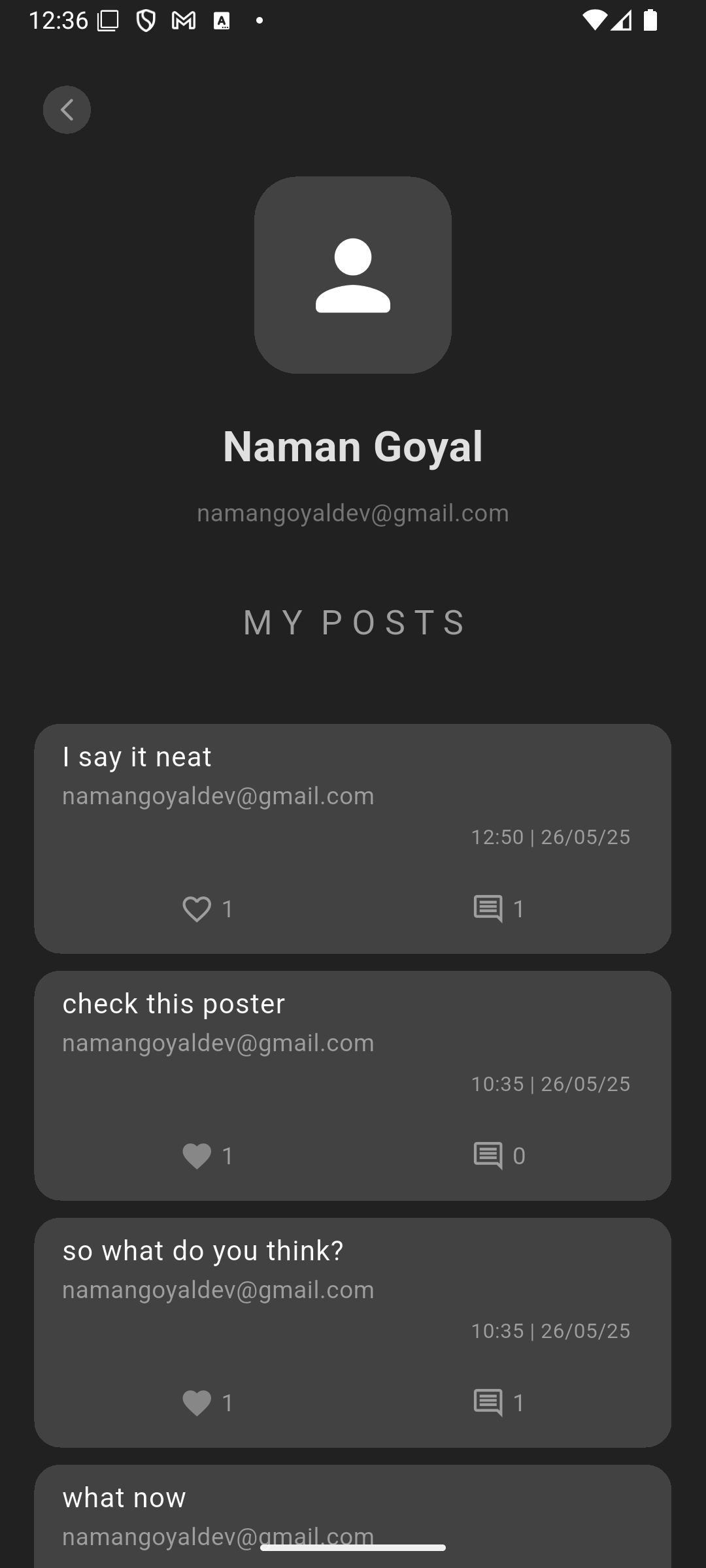
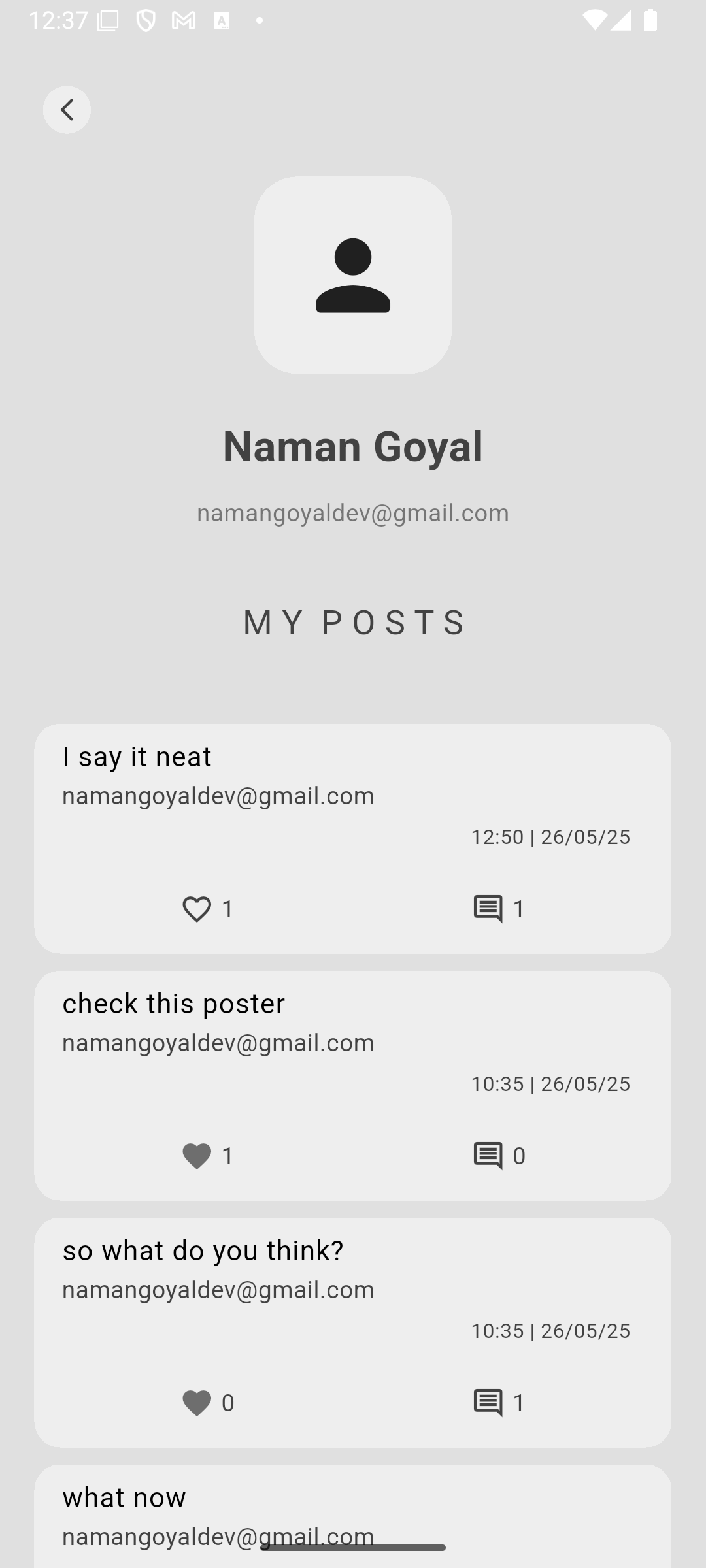
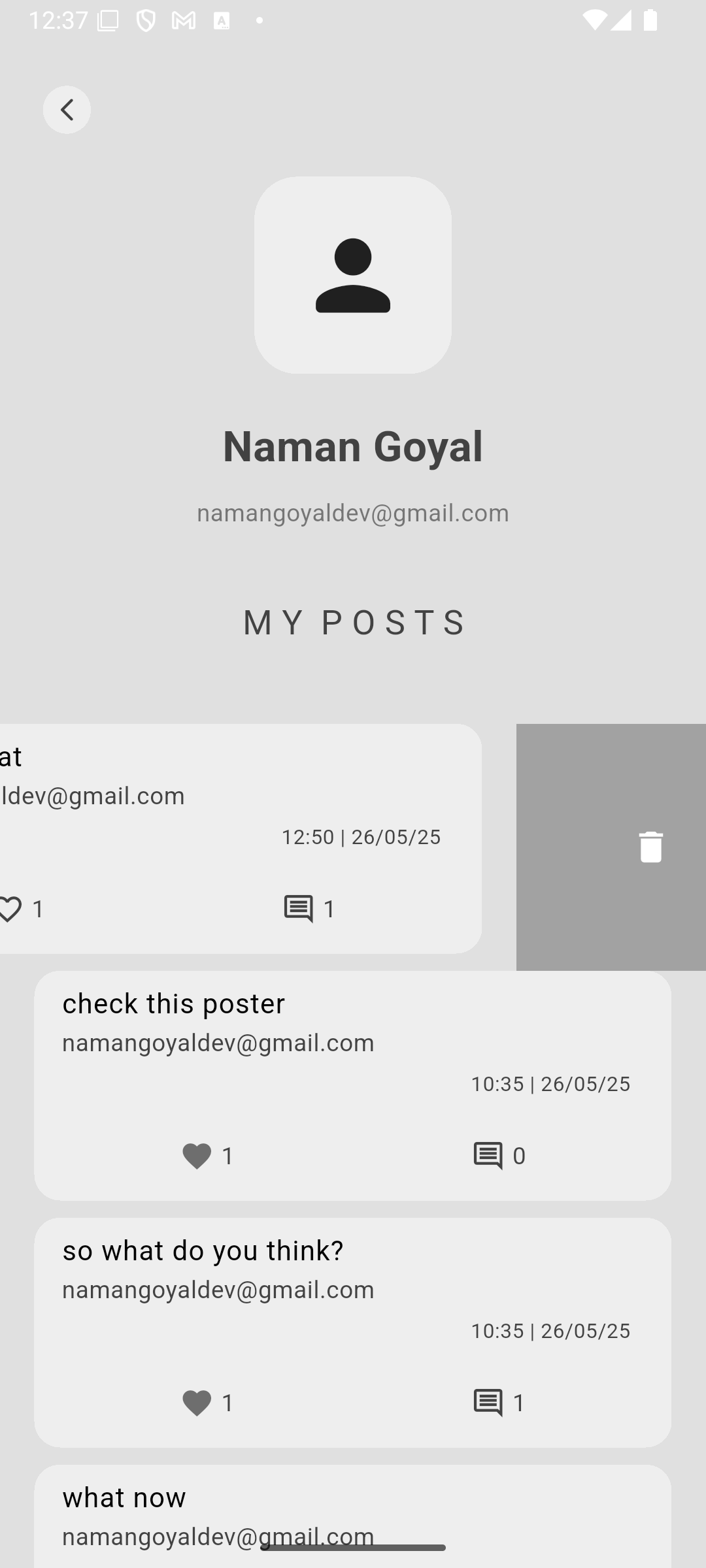
- Each user has a profile page displaying their posts and basic information.
- Users can edit their profile details.
-
Likes and Comments:
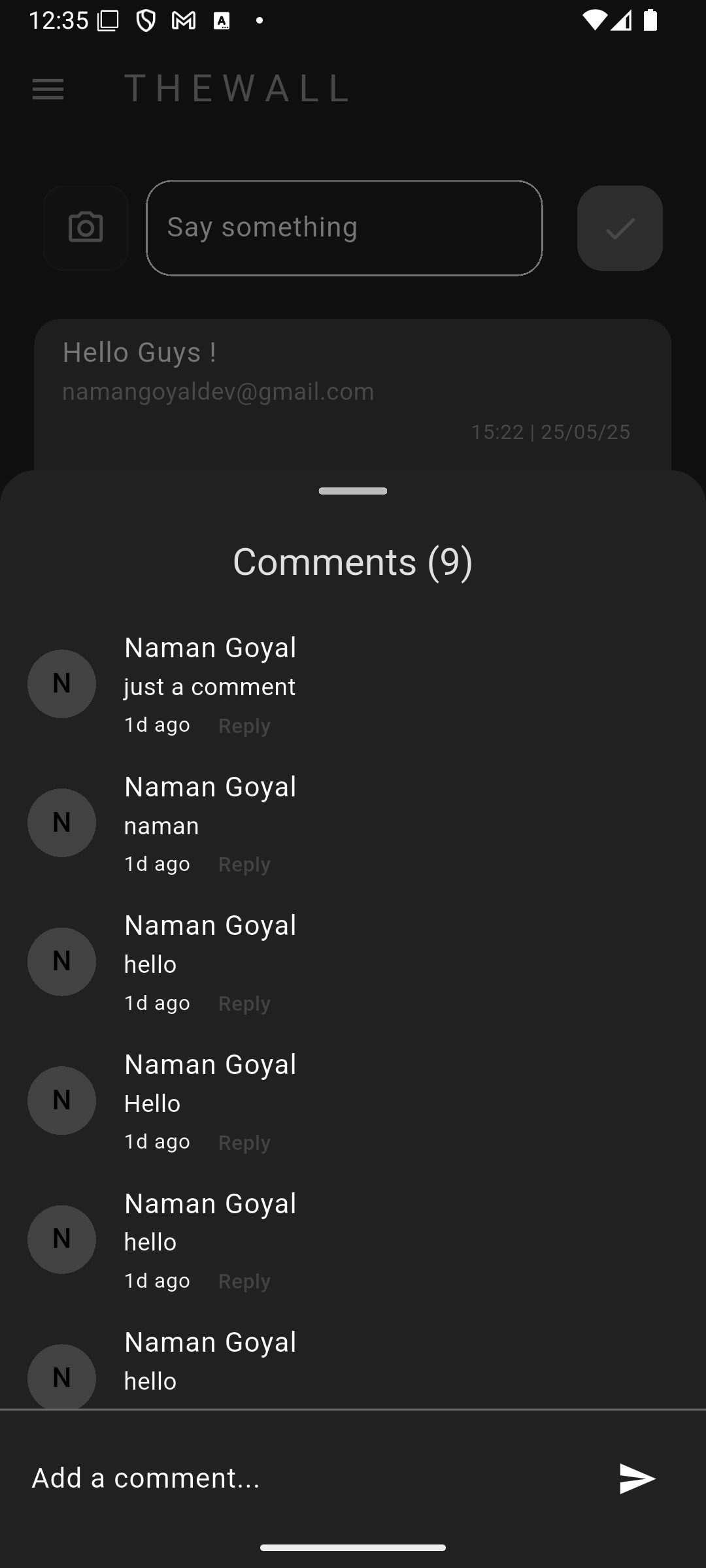
- Users can like and comment on posts.
- The like count and comments are updated in real-time.
-
Logout:
- Users can log out, which clears their session and redirects them to the login screen.
The app uses Supabase as the backend. Below is the database schema:
-
Users Table:
id: Unique identifier for each user.email: User's email address.username: Chosen username.profile_picture: URL to the user's profile picture.
-
Posts Table:
id: Unique identifier for each post.user_id: Foreign key linking to the user who created the post.image_url: URL of the uploaded image.caption: Text caption for the post.created_at: Timestamp of when the post was created.
-
Likes Table:
id: Unique identifier for each like.post_id: Foreign key linking to the liked post.user_id: Foreign key linking to the user who liked the post.
-
Comments Table:
id: Unique identifier for each comment.post_id: Foreign key linking to the commented post.user_id: Foreign key linking to the user who made the comment.content: Text of the comment.created_at: Timestamp of when the comment was created.
-
Profiles Table:
id: Unique identifier (same asuser_idin the Users table).bio: Short biography of the user.website: URL to the user's website or social media.
- Frontend: Flutter
- Backend: Supabase
- Database: PostgreSQL (via Supabase)
- Authentication: Supabase Auth
- Clone the repository.
- Set up a Supabase project and configure the API keys in the app.
- Run
flutter pub getto install dependencies. - Use
flutter runto start the app.
-
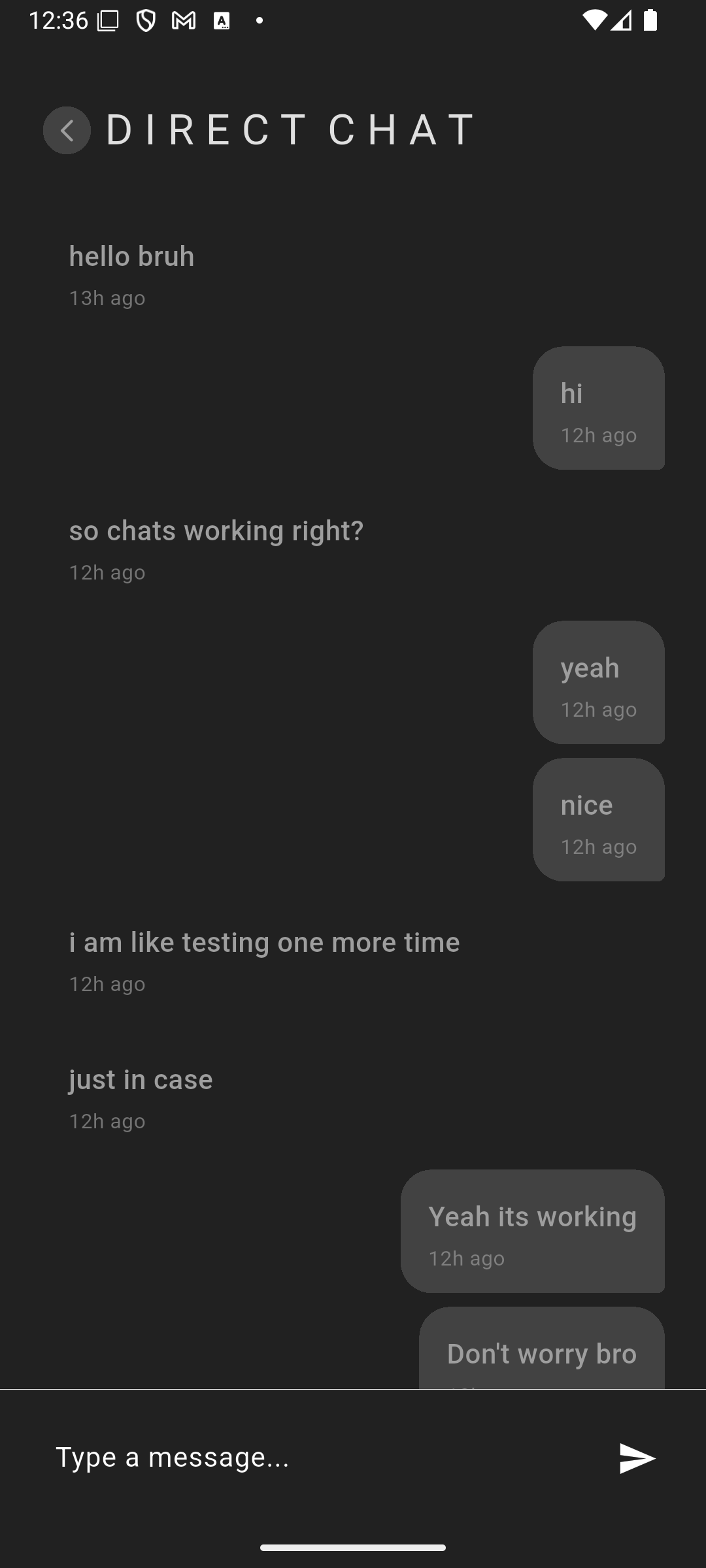
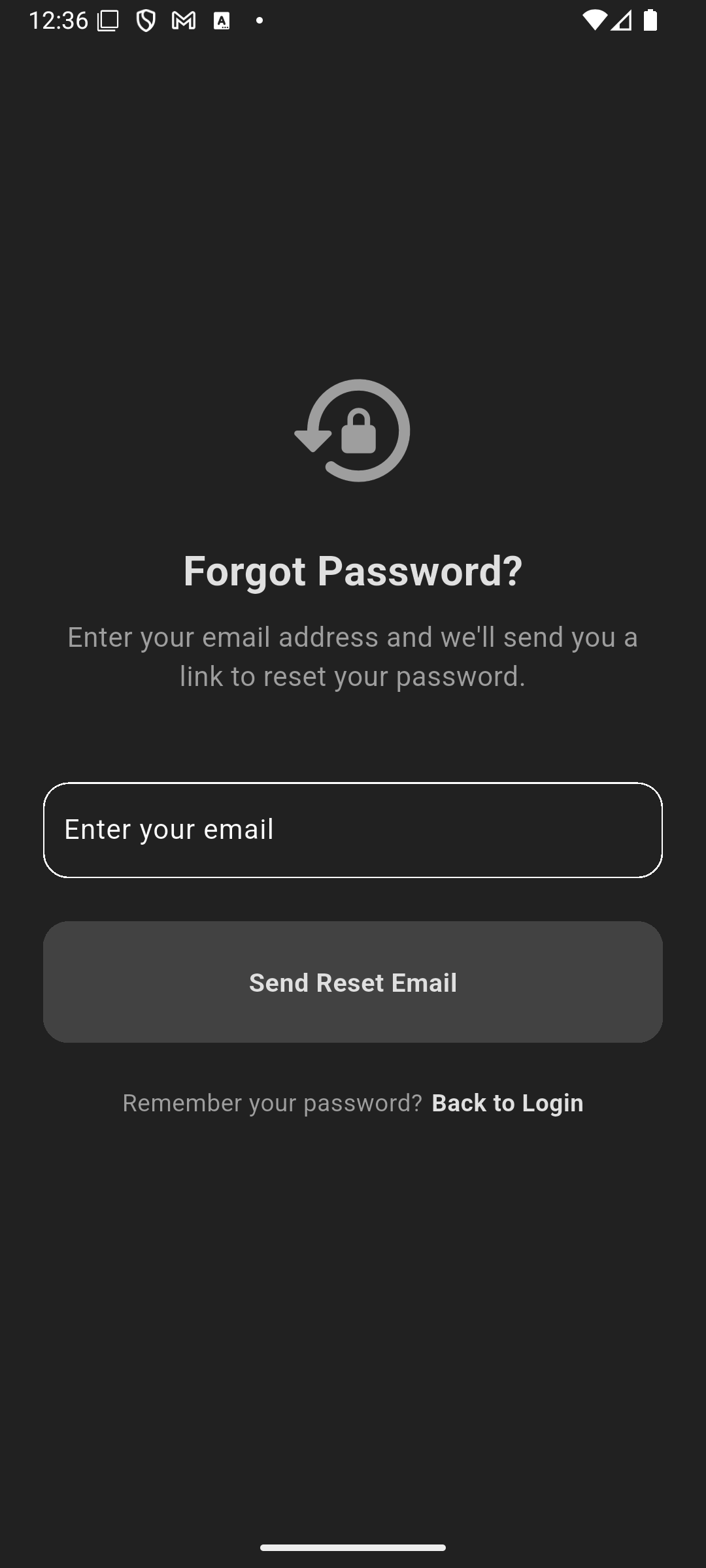
Screenshots:
 |
 |
 |
 |
 |
 |
 |
 |
 |
 |
 |
 |
 |
 |
 |
 |
 |
 |
 |
 |