- Description
- Why the Pimoroni Tiny 2350?
- Why do I even need this?
- Build and Flash
- A Word to the Wise...
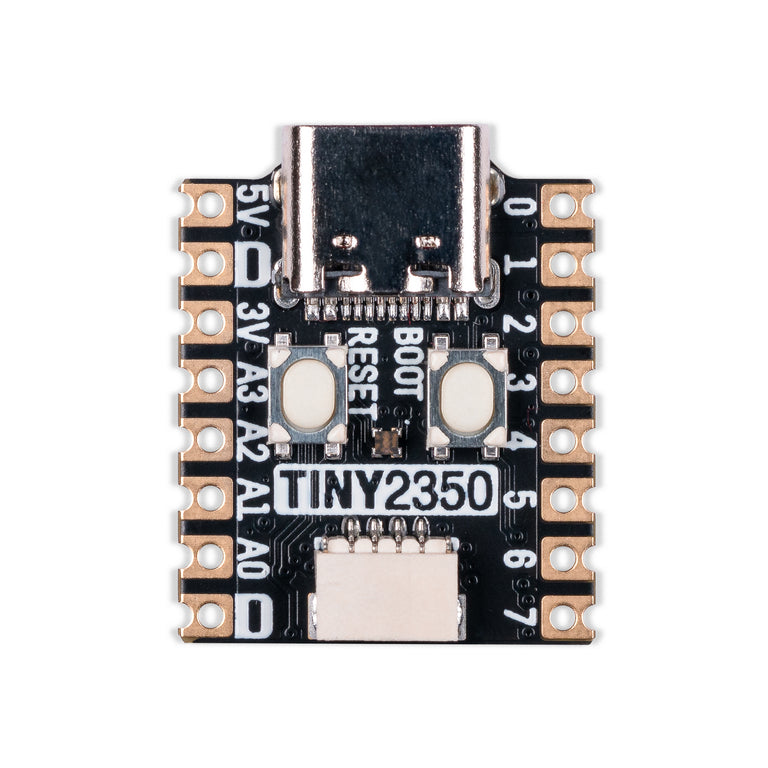
A USB mouse jiggler using the Pimoroni Tiny 2350 — a postage stamp–sized RP2350 development board, shown at the end of this section.
- Jiggle the mouse cursor every 3 minutes on the connected computer via USB. This should be frequent enough to prevent a computer from sleeping (and to stop that pesky Microsoft Teams status from changing to “Away”).
- Press the BOOT button to switch the device on and off without needing to unplug it. The device will issue a jiggle as soon as it is powered on.
- A green LED shows that the device is on; the LED is off when the device is off.
- Double-press the BOOT button to enter party mode, erratically jiggling the mouse cursor and flashing the LED.
- Appears on the connected computer as a
Microsoft Basic Optical Mouse(VID:0x045E, PID:0x0084, SN:SN-01-0000842) to avoid raising alarm bells for remote monitoring software.
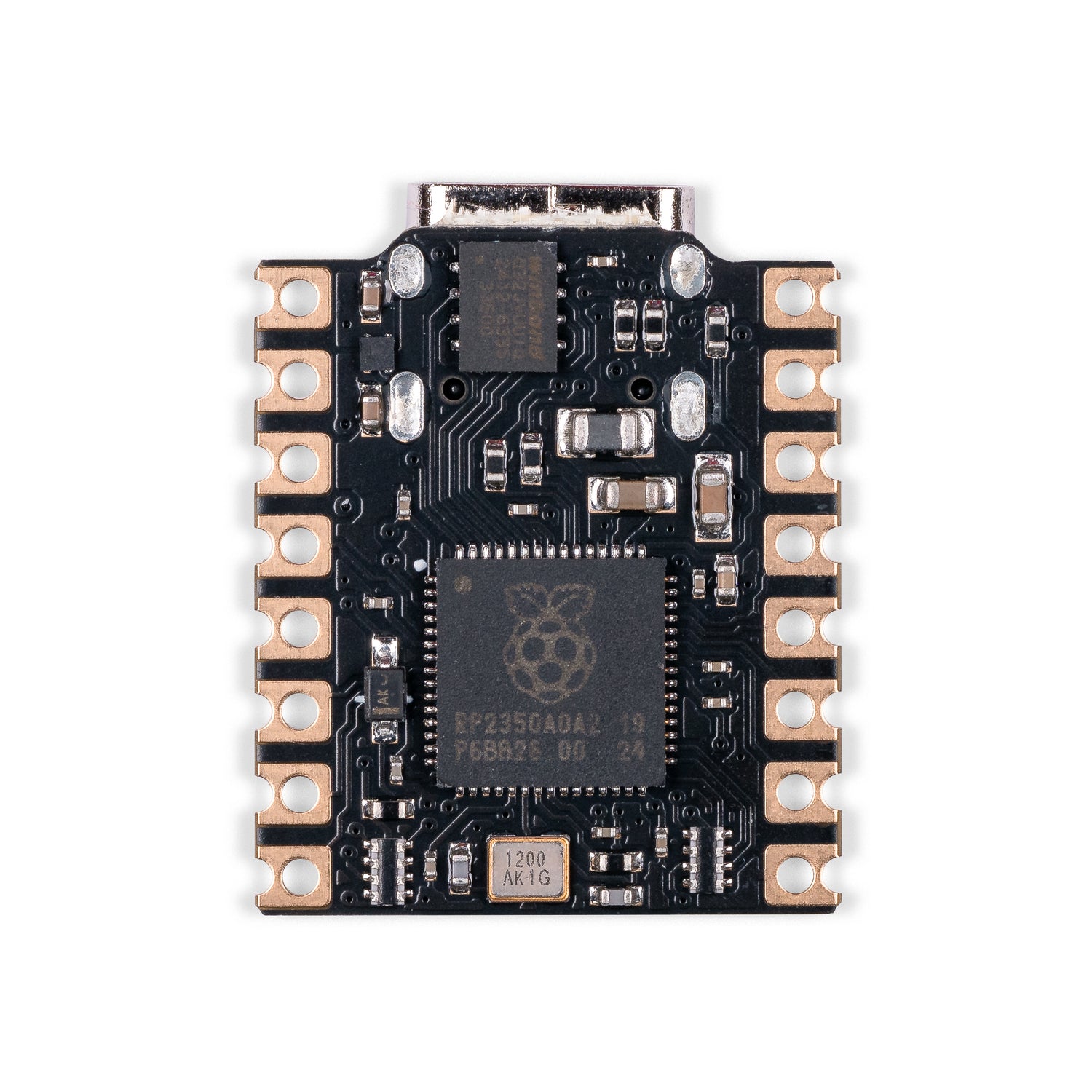
The RP2350 offers a number of advantages over its predecessor, the RP2040 (CPUs, RAM, security, lower power consumption), but these don’t particularly matter for a project like this, aside from the more modern tooling that makes flashing a simpler process. There’s no doubt that the RP2040 is just as suitable, as are the many ESP32 chips on the market.
Specifically, the Pimoroni Tiny 2350 boasts a few features that make it convenient, feature-rich, and almost perfect for a project like this:
Generally speaking, any RP2350-based board is small, but this is one of the smallest (and cutest!) I’ve found on the market. See the dimensions in the pins and dims diagram at the end of this section.
The board has a USB-C connector — a big upgrade from others, like the official Raspberry Pi Pico 2, which have a micro-USB connector. As this device is intended as a USB mouse jiggler, the convenience of it being USB-C is undeniable. Besides, who has micro-USB cables anymore?
It would be even better if it had a male USB-C connector instead of a female one, to avoid needing a separate cable altogether.
The board has an RGB LED, with each colour channel connected to a different GPIO (GP18–GP20). Furthermore, PIO and PWM can be used to independently control the intensity of each channel to achieve a full colour spectrum. See the pins and dims diagram at the end of this section.
Fundamentally, this is quite simple to drive, as no additional driver software is required — unlike other RP2350 boards, such as the RP2350-Tiny by Waveshare, which use the more complex WS2812 addressable LED.
The Pimoroni Tiny 2350 is made for tinkerers and DIY projects, so it includes a programmable user button. This removes the need to connect an external button, keeping the form factor of the device as small as possible.
This BOOT button, as well as being useful for putting your Tiny 2350 into bootloader mode, is wired to GP23 and is active-low, as shown in the pins and dims diagram at the end of this section.

The jiggler functionality is driven through USB HID events.
So long as you have any RP2350 based board with a USB connector, the jiggle functionality will work.
This said, the configuration of the LEDs and user button are specific to the Primoroni Tiny 2350, and may not function as intended if you use an alternative board.
You can always fork this project and make the necessary changes to support your specific board.
Yes, you can install a program to do the same thing — if you have the rights to do so. I personally use this because my workflow includes multiple laptops that are admin-restricted to the point of being unable to install any additional software or even change the lock screen timeout from a mere 5 minutes.
I hate having to work from multiple devices at the same time and repeatedly re-authenticate each one every few minutes.
They sell these on Amazon for only a few £, cheaper than the Pimoroni Tiny 2350. Why should I make my own?
The dangers of plugging unknown USB devices into a computer are well known. You should know and trust what you plug into your computer.
The Pimoroni Tiny 2350 is a programmable embedded device from a reputable UK seller, based on the open-source RP framework (hardware and software). The source code for this project and the toolchain are also open source, meaning you’re not plugging an unknown Chinese device into your computer.
- Rust with rustup
thumbv8m.main-none-eabihftarget —rustup target add thumbv8m.main-none-eabihf- picotool — build it yourself or use a prebuilt executable via your package manager
- probe-rs
Simply build with:
cargo build --release
N.B. Without the --release flag, the jiggle countdown is 2 seconds (i.e., it jiggles every 2 seconds).
This is useful to ensure the device is working as intended.
This builds the ELF binary for the device architecture. It must be converted to UF2 format if you wish to flash via drag-and-drop.
See elf2uf2-rs for details.
Connect your Pimoroni Tiny 2350 in bootloader mode (hold the BOOT button while plugging it in).
Then run:
cargo run --release
N.B. Without the --release flag, the jiggle countdown is 2 seconds (i.e., it jiggles every 2 seconds).
This is useful to ensure the device is working as intended.
This uses picotool and probe-rs to build, convert the ELF to UF2, and flash the UF2 to the device.
A downside of the Pimoroni Tiny 2350 is the lack of SWD and DBG headers, meaning debugging with a probe is laborious.
I’ve switched to a full-size RP2350 board when debugging.
Please don’t use this device to pretend you’re working remotely when you’re not.
As explained, this is to keep devices awake when I need to switch between them frequently.
Likewise, don’t leave your computers unlocked and unattended.
I use this when my laptops are directly in front of me, and I always remember to lock my computers when I step away from my desk, whether I’m at home or in the office.