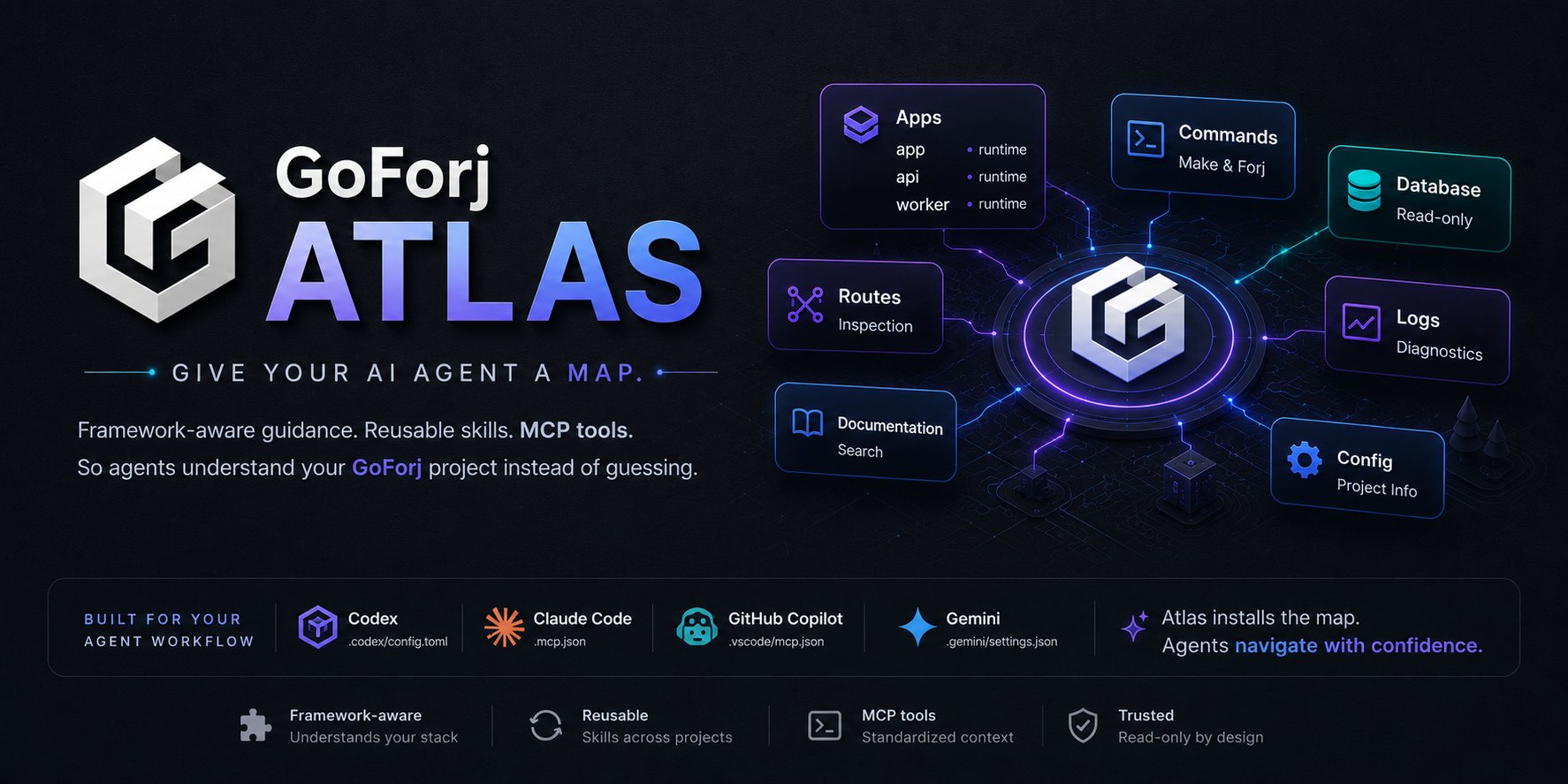
Agent-native project navigation and MCP tooling for GoForj.
Atlas helps local coding agents understand GoForj projects without guessing framework conventions. It installs concise project guidance, synchronizes skills or agent-native instruction files, configures one project-level MCP server, and exposes safe read-only project inspection tools.
Users should normally reach Atlas through the GoForj CLI:
forj atlas:install
forj atlas:update
forj atlas:mcp
This repository contains the reusable Atlas library. The GoForj CLI exposes it
through forj atlas:* commands so projects do not need to install a separate
binary.
Atlas gives local agents a framework-aware view of a GoForj project:
- concise project guidance for Codex, Claude Code, GitHub Copilot, and Gemini CLI
- synchronized skills and agent-native instruction files
- one project-level MCP server
- app-aware project layout, route, schedule, and command inspection
- version-aware docs search and section reads
- safe database, log, browser, URL, and metrics inspection hooks
Atlas keeps the selected agents, enabled surfaces, and generated-file ownership
in .goforj/atlas.json. Native files such as AGENTS.md, .agents/skills, and
.codex/config.toml are projections written only for the selected agents so the
tools can discover them without manual setup.
A normal update follows the committed selection instead of re-detecting every agent installed on the machine:
forj atlas:updateUse forj atlas:update --discover when the project should deliberately switch
to the preferred locally installed agent. Explicit --agent and
--all-agents selections remain available for projects that intentionally use
more than one agent. Atlas removes only its owned blocks, MCP entries, and
generated skill files when an agent or surface is deselected.
Atlas starts read-only. It does not expose arbitrary shell execution or write-capable MCP tools in the MVP.
When source scaffolding is needed, agents should use normal GoForj commands:
forj make:controller users
forj marketplace make:job sync-catalogmake build
make release-check
make test
make vetAt runtime, Atlas reads docs from GOFORJ_DOCS_PATH when set. Otherwise it
clones or refreshes github.com/goforj/docs in the user's cache directory,
loads the Markdown tree into memory, and serves MCP docs tools from memory.
Atlas uses the git executable when it is available and silently falls back to
native Go git support when it is not.
Atlas is consumed by GoForj as a Go module, not as a prebuilt binary. A release
should run make release-check, tag the module, and then bump GoForj to that
tag. The normal docs path is a local git cache loaded into memory by the MCP
server, so Atlas does not need to commit a copied docs tree.
Equivalent direct validation:
GOCACHE=/tmp/gocache GOMODCACHE=/tmp/gomodcache go test ./...