


See every Django signal and receiver, and where they fire. Right from the Django admin.

Compatible with dj-control-room. Register this panel in the Control Room to manage it from a centralized dashboard.
- Official site: djangocontrolroom.com
- Project repo: dj-control-room
https://django-control-room.github.io/dj-signals-panel/
- Signal discovery - automatically discovers all registered Django signals across your project and installed apps
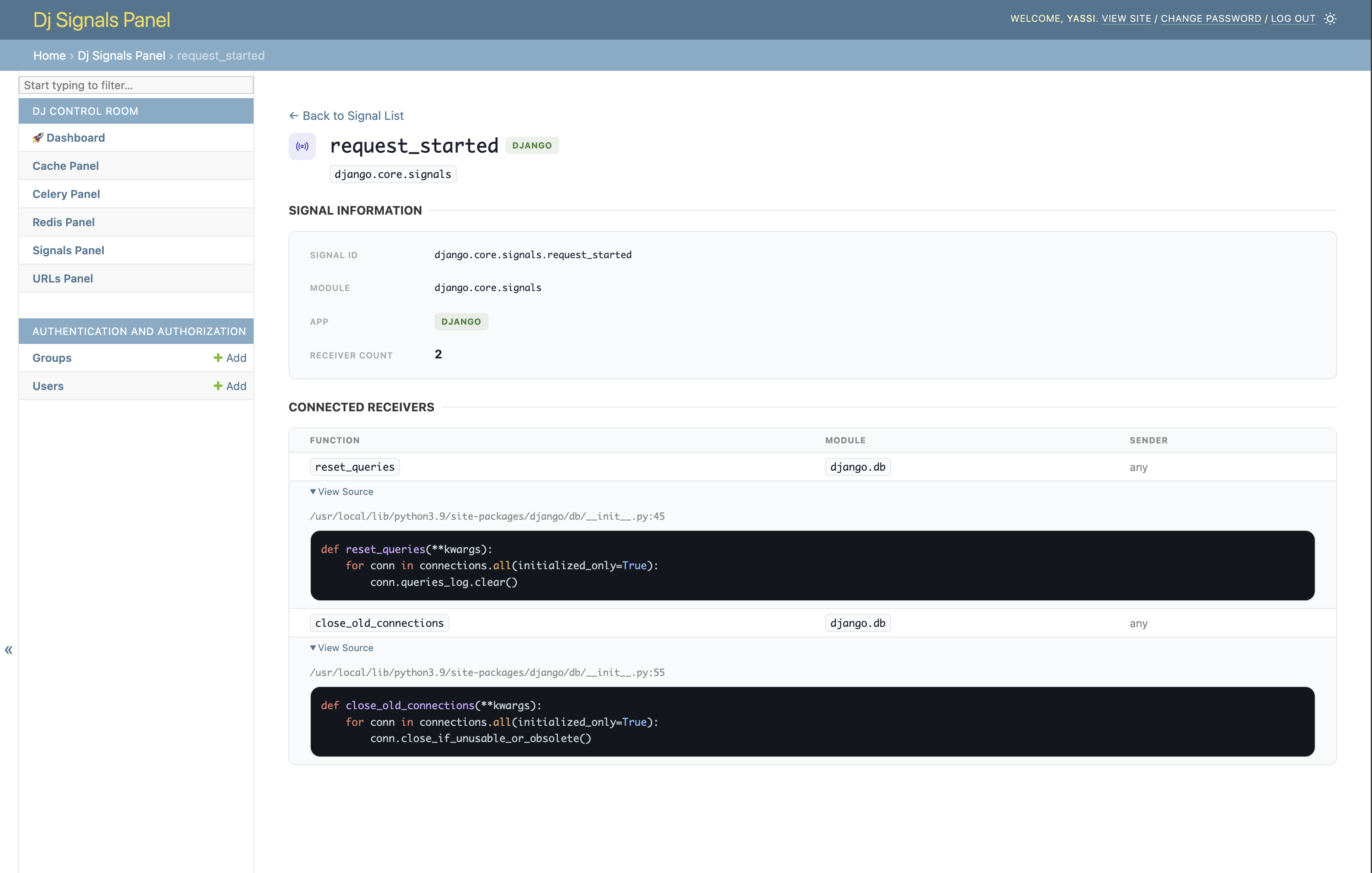
- Receiver inspection - lists every connected receiver for each signal, including function name, module, file location, and sender
- Source code viewer - inline syntax-highlighted source for each receiver, directly in the admin
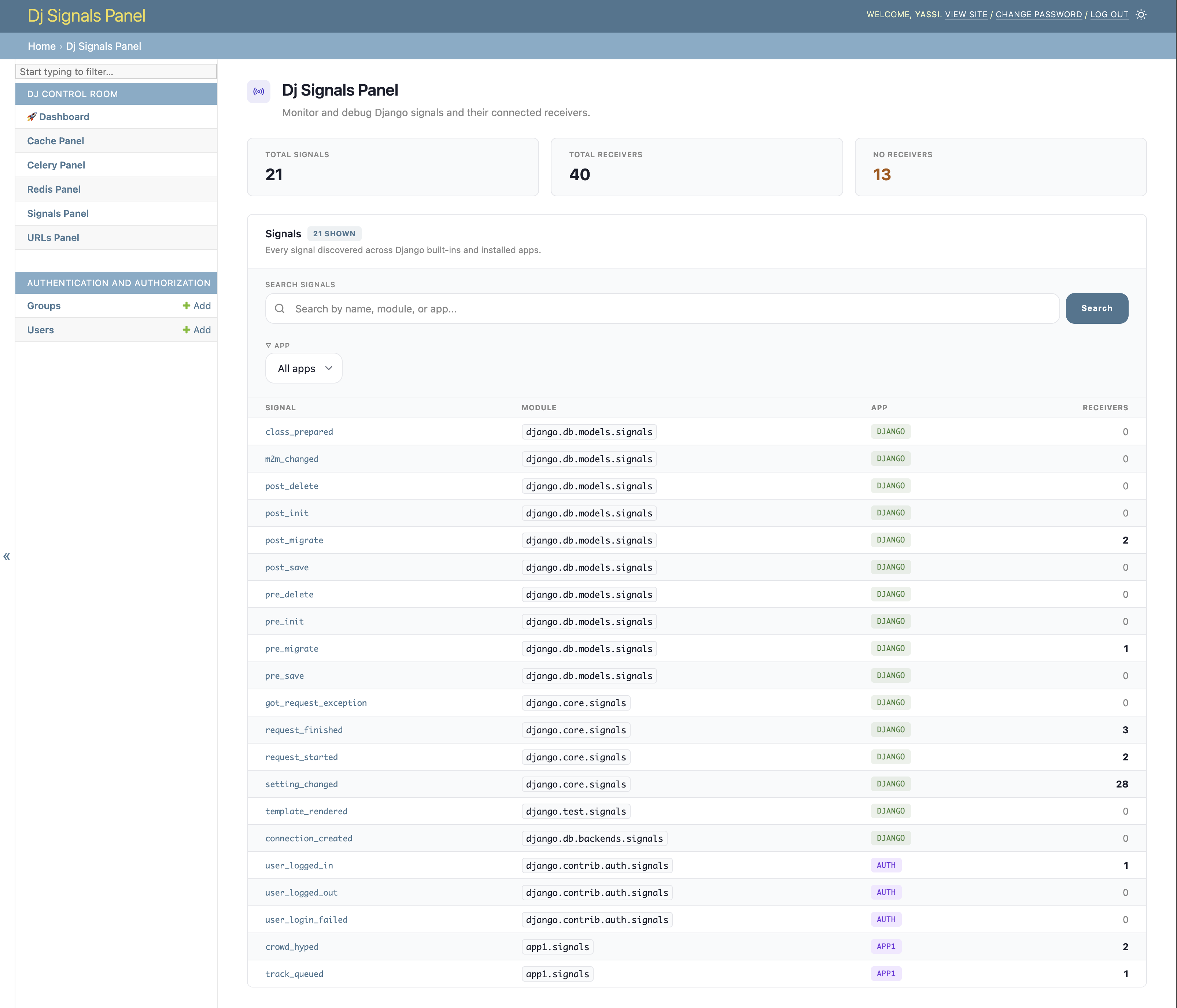
- Search & filter - search signals by name, module, or app; filter by app with a dropdown
- Summary stats - at-a-glance counts for total signals, total receivers, and signals with no receivers
- Dark mode support - respects Django admin's built-in dark/light mode toggle
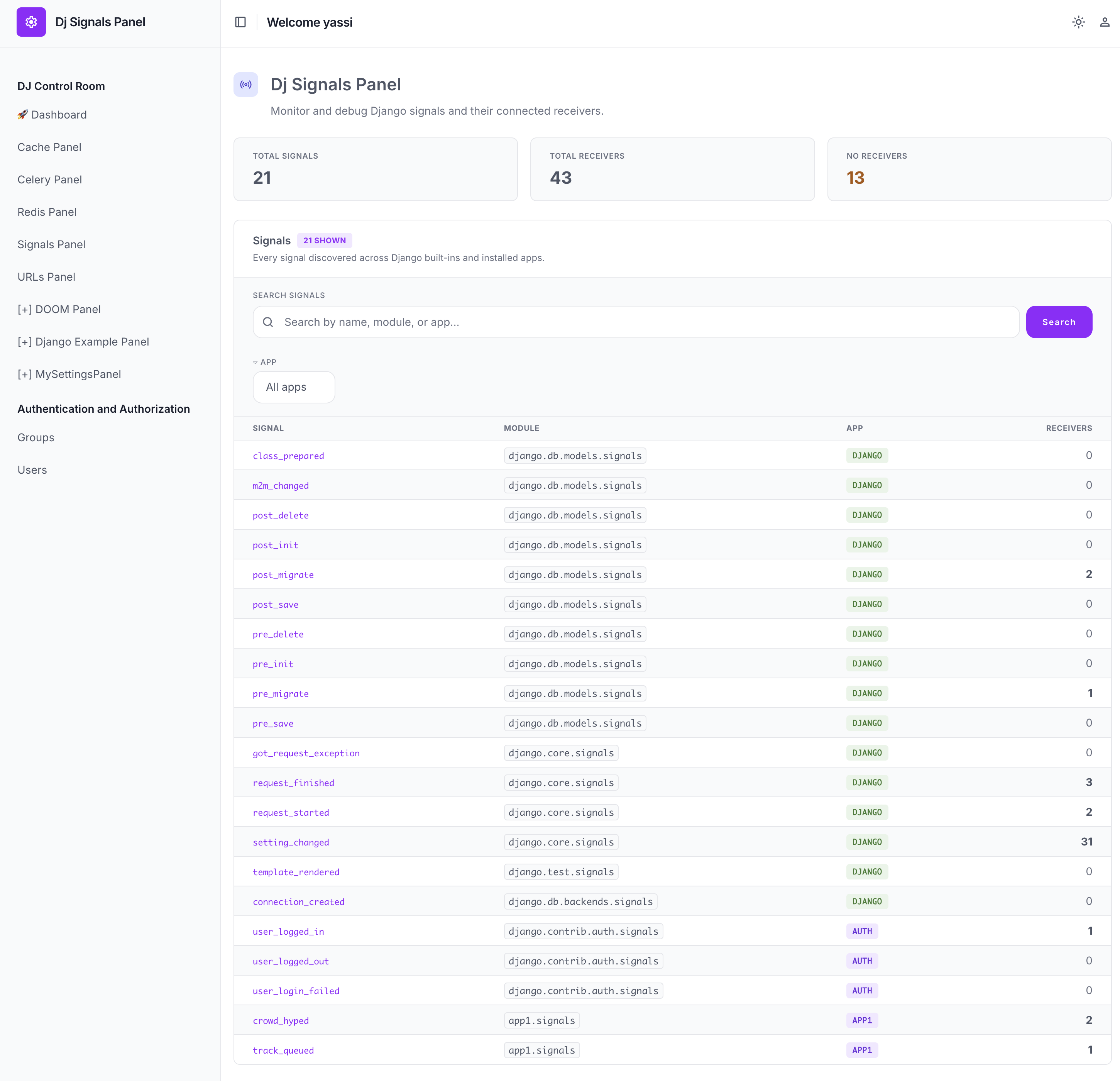
- django-unfold theme adapter - opt-in stylesheet that remaps colors to match django-unfold's accent/neutral palette (see Theme adapters)
- AI Agent Integration (MCP) - exposes
list_signals,get_receivers,find_signal_by_sender, andinspect_receivertools so AI agents (Cursor, Claude, etc.) can introspect your signal landscape via dj-control-room's MCP server - No migrations required - purely read-only introspection, zero database changes
- Python 3.9+
- Django 4.2+
Dj Signals Panel works great on its own, and it also pairs seamlessly as a panel inside Django Control Room - a centralized dashboard that brings all your Django admin panels together in one place.
pip install dj-control-room dj-signals-panelVisit djangocontrolroom.com to learn more.
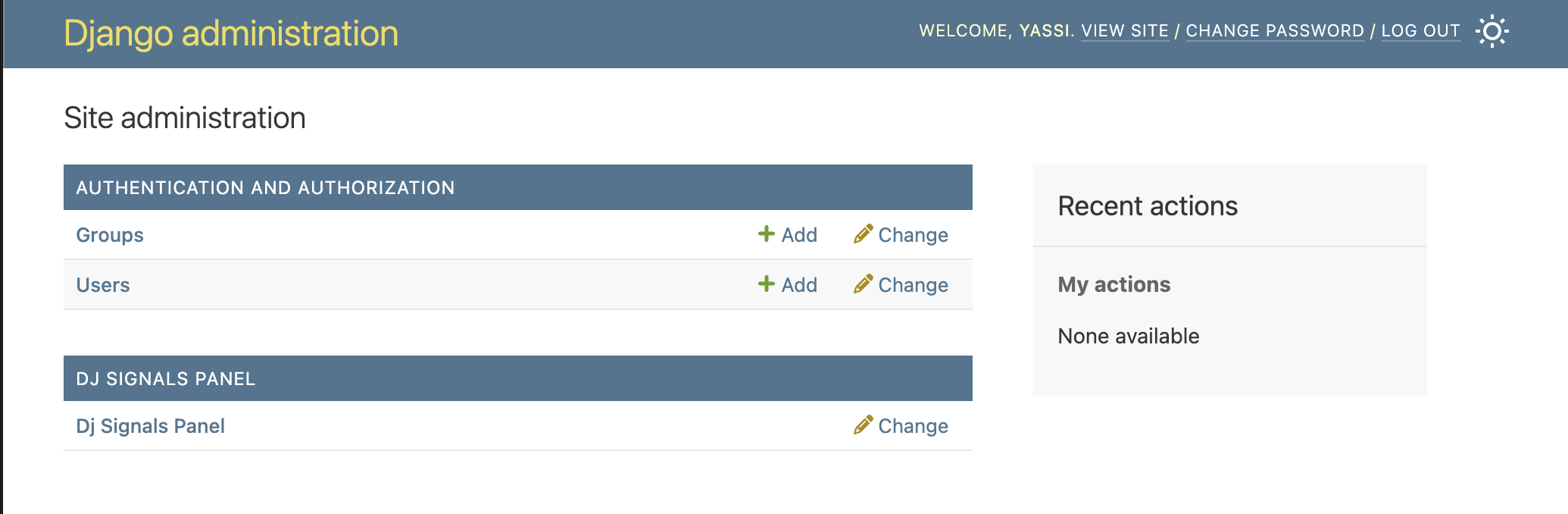
Seamlessly integrated into your Django admin interface. A DJ SIGNALS PANEL section appears alongside your models - no migrations required.
Browse all registered signals with summary stats (total signals, total receivers, signals with no receivers). Search by name, module, or app, and filter by app using the dropdown.
Drill into any signal to see its metadata and every connected receiver - including function name, module, and sender. Expand View Location (or View Source, when SHOW_SOURCE is enabled) to see the file path/line and syntax-highlighted source code inline.
Note: The source code viewer is opt-in. Set
SHOW_SOURCE: TrueinDJ_SIGNALS_PANEL_SETTINGSto enable it. UseSIGNAL_MODULESto add extra modules to signal discovery.
When running under django-unfold, enable the bundled unfold.css theme adapter via EXTRA_CSS to match the panel's colors to the host site's accent and neutral palette. This is opt-in - it is not applied automatically just because django-unfold is installed.
When running under django-jazzmin, enable the bundled jazzmin.css theme adapter via EXTRA_CSS to match the panel's colors to whichever Bootstrap/Bootswatch palette Jazzmin is configured with. This is opt-in - it is not applied automatically just because django-jazzmin is installed.
DJ_SIGNALS_PANEL_SETTINGS = {
    'EXTRA_CSS': ['dj_control_room_base/css/themes/jazzmin.css'],
}pip install dj-signals-panelAdd it (and dj_control_room_base, its core dependency) to INSTALLED_APPS, include its URLs, and migrate:
INSTALLED_APPS = [
    # ...
    'dj_control_room_base',
    'dj_signals_panel',
]
urlpatterns = [
path("admin/dj-control-room-base/", include("dj_control_room_base.urls")),
path('admin/dj-signals-panel/', include('dj_signals_panel.urls')),
path('admin/', admin.site.urls),
]python manage.py migrateThen visit /admin/ and look for the "DJ SIGNALS PANEL" section.
For the full walkthrough and settings reference (source code viewer, extra signal modules, theme adapters), see the Installation and Configuration docs.
Ships list_signals, get_receivers, find_signal_by_sender, and inspect_receiver tools that dj-control-room's MCP server exposes to AI agents (Cursor, Claude, etc.), so they can look up signals, receivers, and source locations without grepping your codebase.
See Configuration → Panel Tools (MCP) for the full tool reference and Scopes for how agent access is permissioned separately from the admin UI.
Want to contribute or set up the project for local development? See docs/contributing.md for prerequisites, Docker/virtualenv setup, running the example project, and the test suite.
This project is licensed under the MIT License. See the LICENSE file for details.