






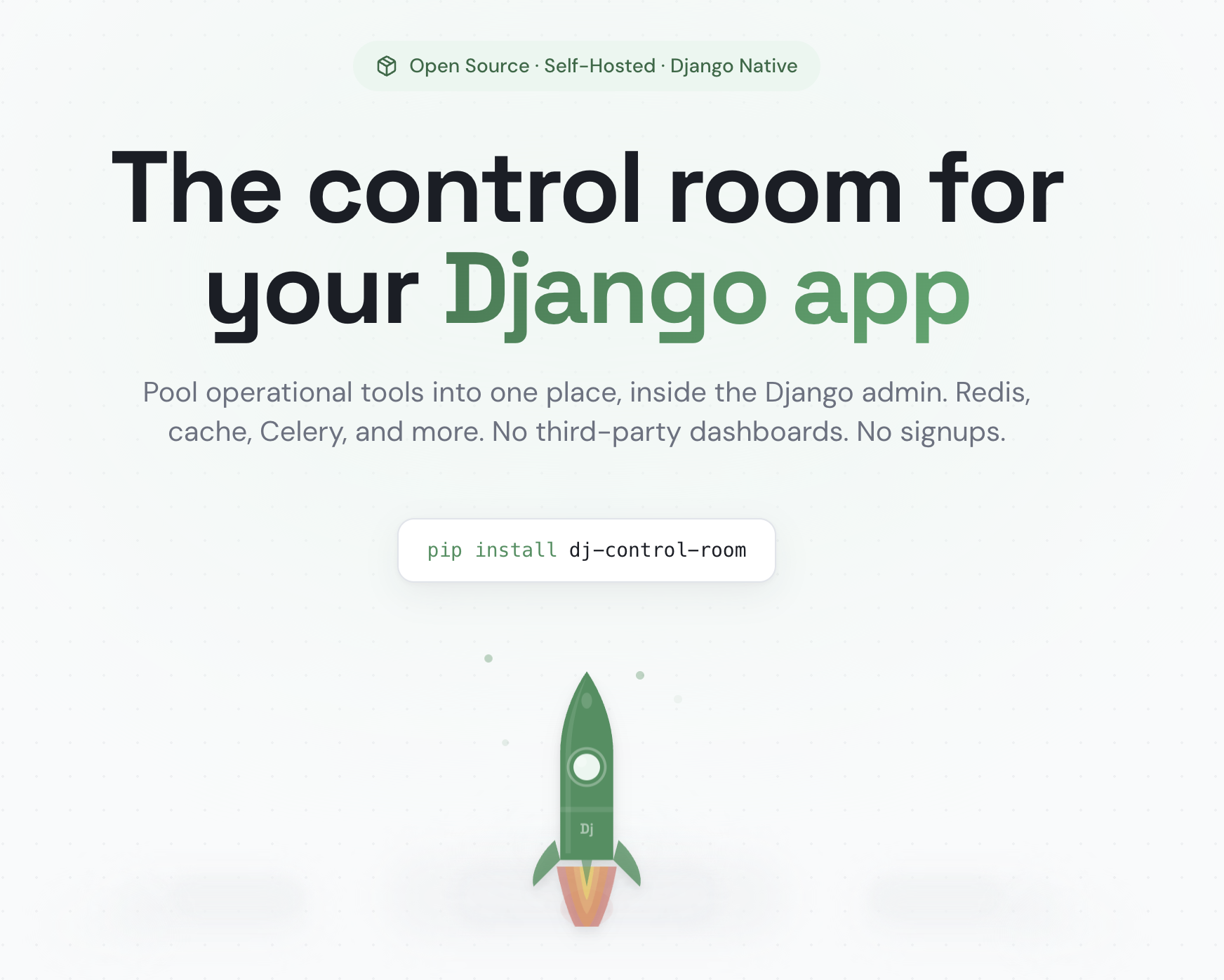
A framework for building Django admin tools, with a centralized dashboard to manage them
Django Control Room is a plugin framework for building Django admin tools (called "panels"), it's also a suite of official panels for managing all sorts of services like Redis, Celery, Caches and inspecting Django internals like URLs and Signals. Every panel - official or third-party - is a small, independent Python package built on the same public plugin API/SDK available in dj-control-room-base.
Install dj-control-room and it discovers every compatible panel via Python entry points, renders it in a centralized dashboard, and gives it a shared design system, permissions model, and admin sidebar integration - all for free.
The Official Panels below are reference implementations of that same framework - a starting point, not the whole story. See Creating Custom Panels to build your own.
- Plugin Framework - Build your own admin tools with the core libs in dj-control-room-base; your panels behave exactly like the official ones
- Centralized Dashboard - Every installed panel, official or custom, is discovered automatically and displayed in one place
- Beautiful UI - Modern, responsive design with dark mode support, shared across every panel via a common design system
- Secure - Package verification prevents panel hijacking
- Easy Integration - Works seamlessly with Django admin
- Official Panels - Pre-built panels for common tasks, built on the same framework available to you
- django-unfold theme adapter - opt-in stylesheet that remaps colors to match django-unfold's accent/neutral palette (see Theme adapters)
- AI Agent Integration (MCP) - a single MCP endpoint aggregates every installed panel's tools for AI agents (Cursor, Claude, etc.), so agents only need to configure one server for your whole admin toolset (see Configuration)
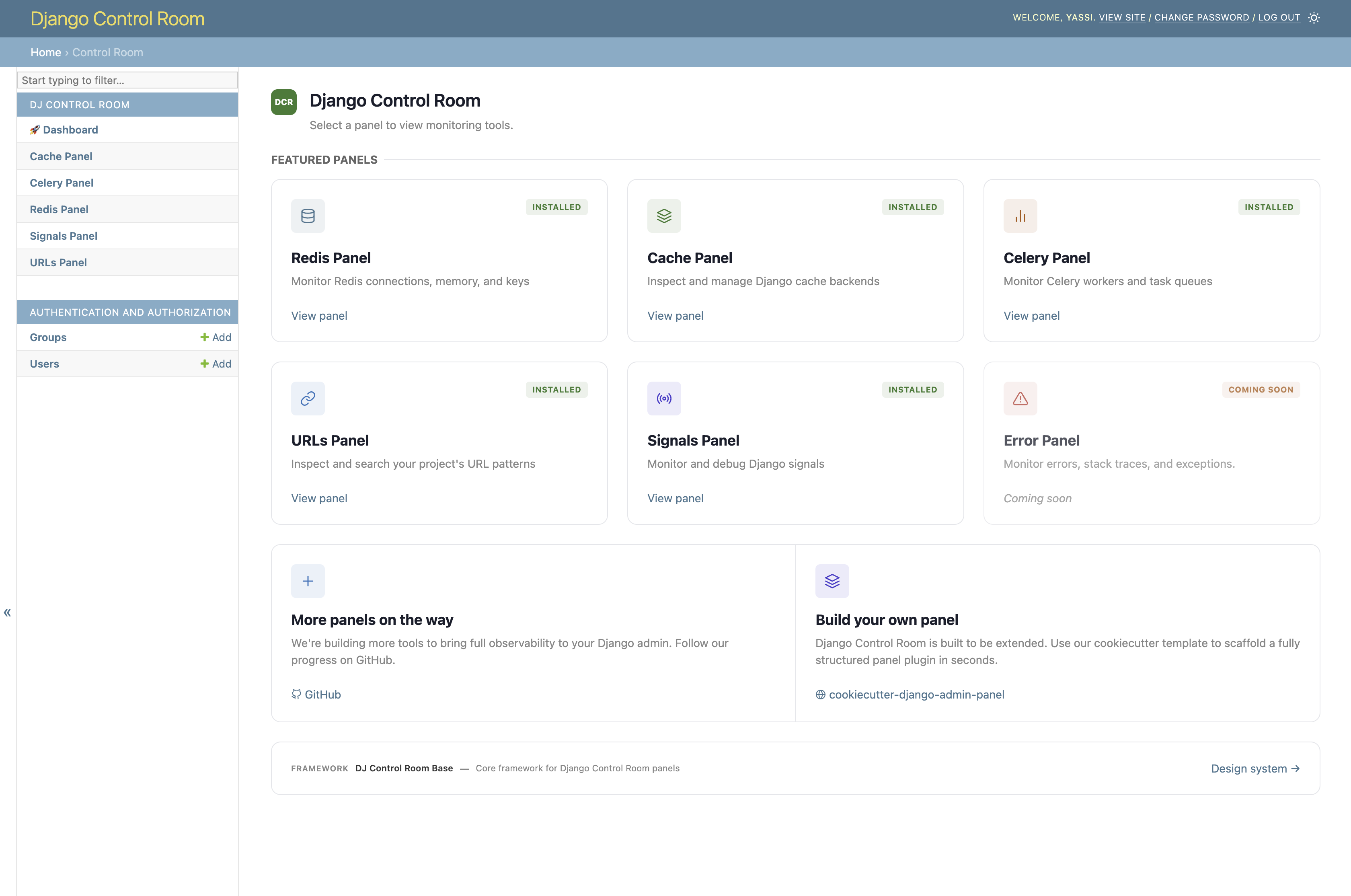
When running under django-unfold, enable the bundled unfold.css theme adapter via EXTRA_CSS to match the dashboard's colors to the host site's accent and neutral palette. This is opt-in - it is not applied automatically just because django-unfold is installed.
DJ_CONTROL_ROOM_SETTINGS = {
    'EXTRA_CSS': ['dj_control_room_base/css/themes/unfold.css'],
}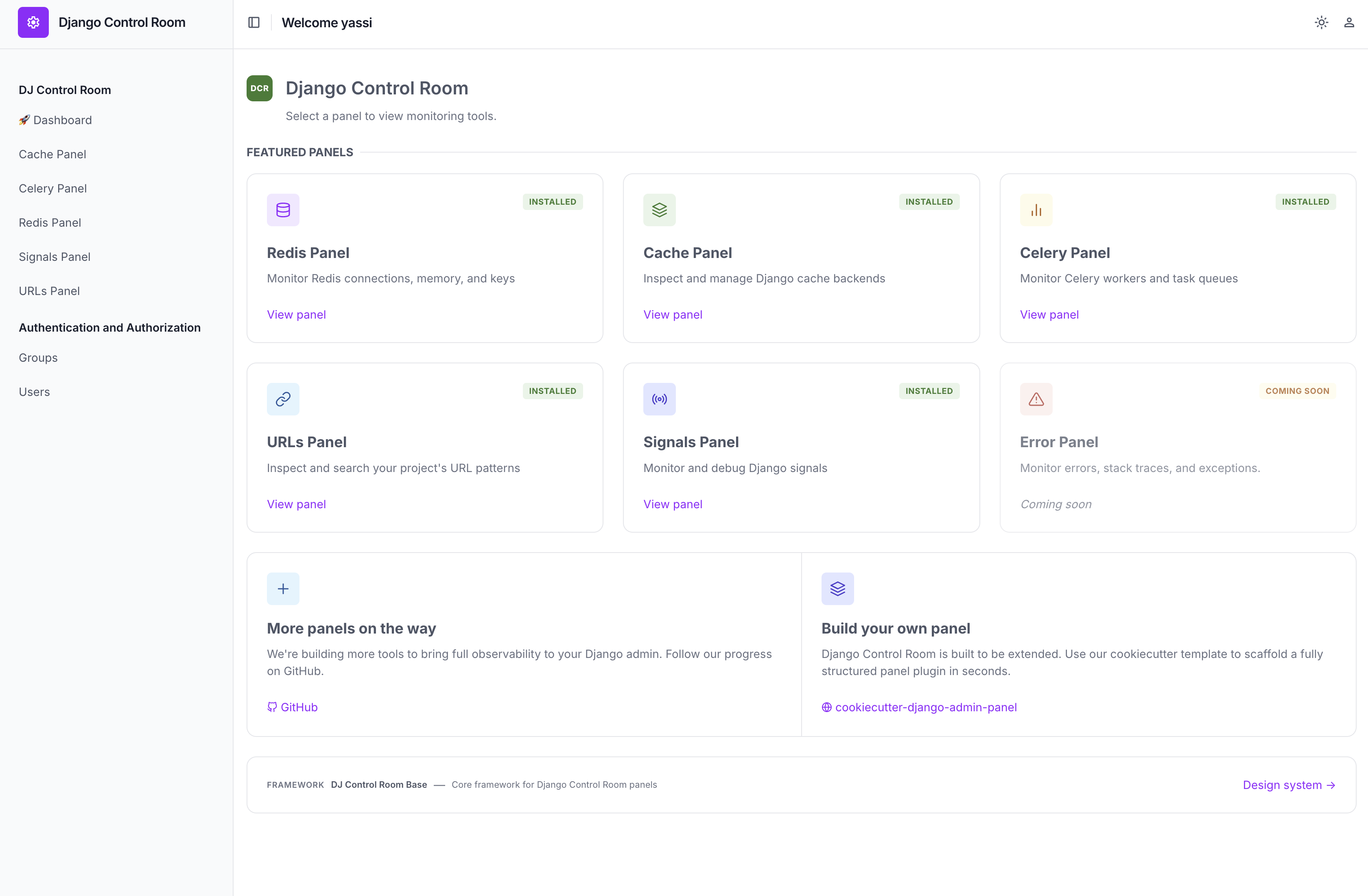
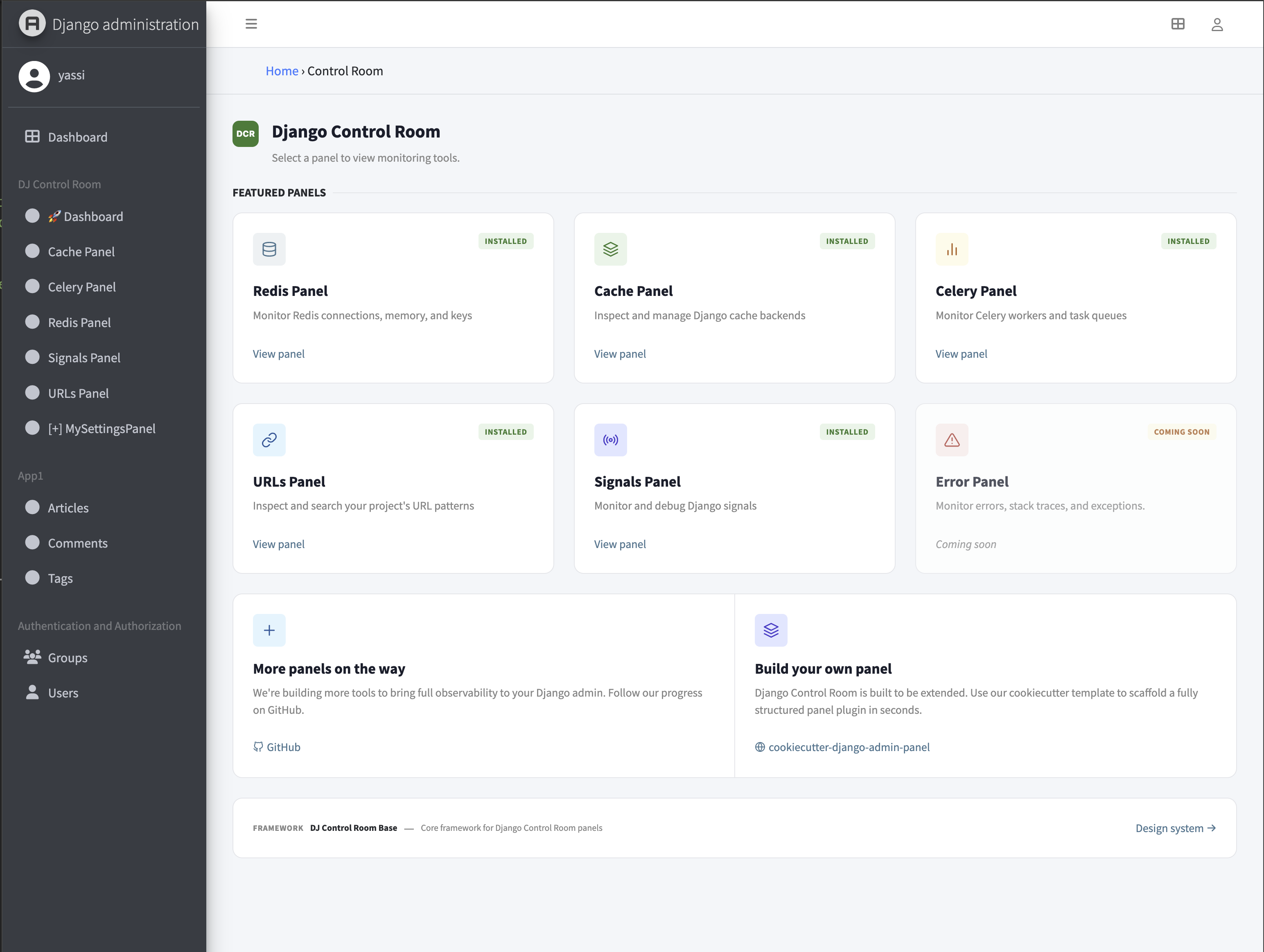
When running under django-jazzmin, enable the bundled jazzmin.css theme adapter via EXTRA_CSS to match the dashboard's colors to whichever Bootstrap/Bootswatch palette Jazzmin is configured with. This is opt-in - it is not applied automatically just because django-jazzmin is installed.
DJ_CONTROL_ROOM_SETTINGS = {
    'EXTRA_CSS': ['dj_control_room_base/css/themes/jazzmin.css'],
}
# Core only
pip install dj-control-room

# With specific official panels
pip install dj-control-room[redis,cache,urls]

# Or with all official panels
pip install dj-control-room[all]
Add dj_control_room_base (core library), your panels, then dj_control_room (so they all appear under one admin section), include the URLs, and migrate:
INSTALLED_APPS = [
    # ...
    'dj_control_room_base',
    'dj_redis_panel',
    'dj_cache_panel',
    'dj_urls_panel',
    'dj_control_room',
]
urlpatterns = [
path('admin/dj-redis-panel/', include('dj_redis_panel.urls')),
path('admin/dj-cache-panel/', include('dj_cache_panel.urls')),
path('admin/dj-urls-panel/', include('dj_urls_panel.urls')),
path('admin/dj-control-room/', include('dj_control_room.urls')),
path('admin/', admin.site.urls),
]python manage.py migrateThen visit http://localhost:8000/admin/dj-control-room/.
For the full walkthrough and settings reference (admin sidebar behavior, theme adapters, MCP/AI agent integration), see the Installation and Configuration docs.
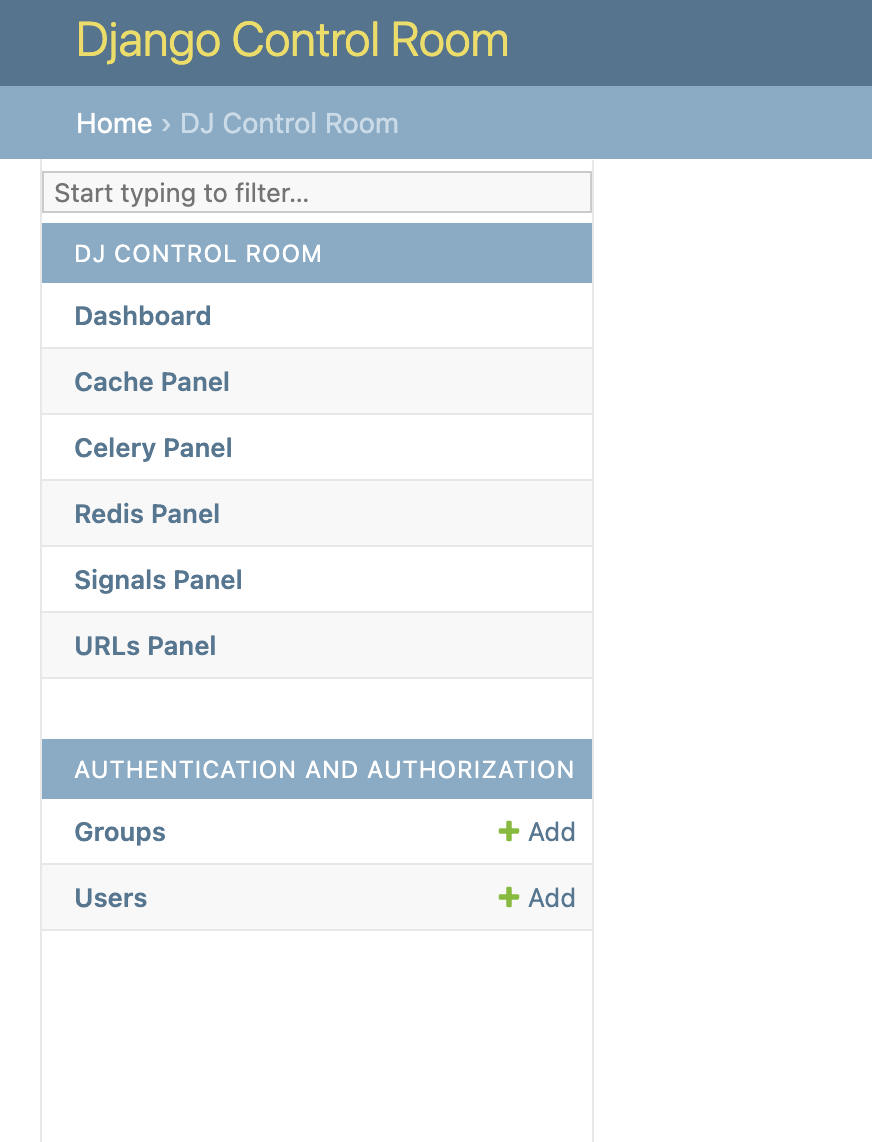
All installed panels appear in the Django admin sidebar under "Django Control Room":
# settings.py
DJ_CONTROL_ROOM_SETTINGS = {
    # Global: Show panels in both Control Room and their own sections
    'REGISTER_PANELS_IN_ADMIN': False,  # Default: False

    # Per-panel: Override for specific panels
    'PANEL_ADMIN_REGISTRATION': {
        'dj_redis_panel': True,   # Redis in both places
        'dj_cache_panel': False,  # Cache only in Control Room
    },

    # CSS: load built-in styles and/or inject your own
    'LOAD_DEFAULT_CSS': True,
    # Static paths are relative to app's static/ dir (e.g. 'myapp/css/overrides.css'
    # for a file at myapp/static/myapp/css/overrides.css). Full URLs also accepted.
    'EXTRA_CSS': [],
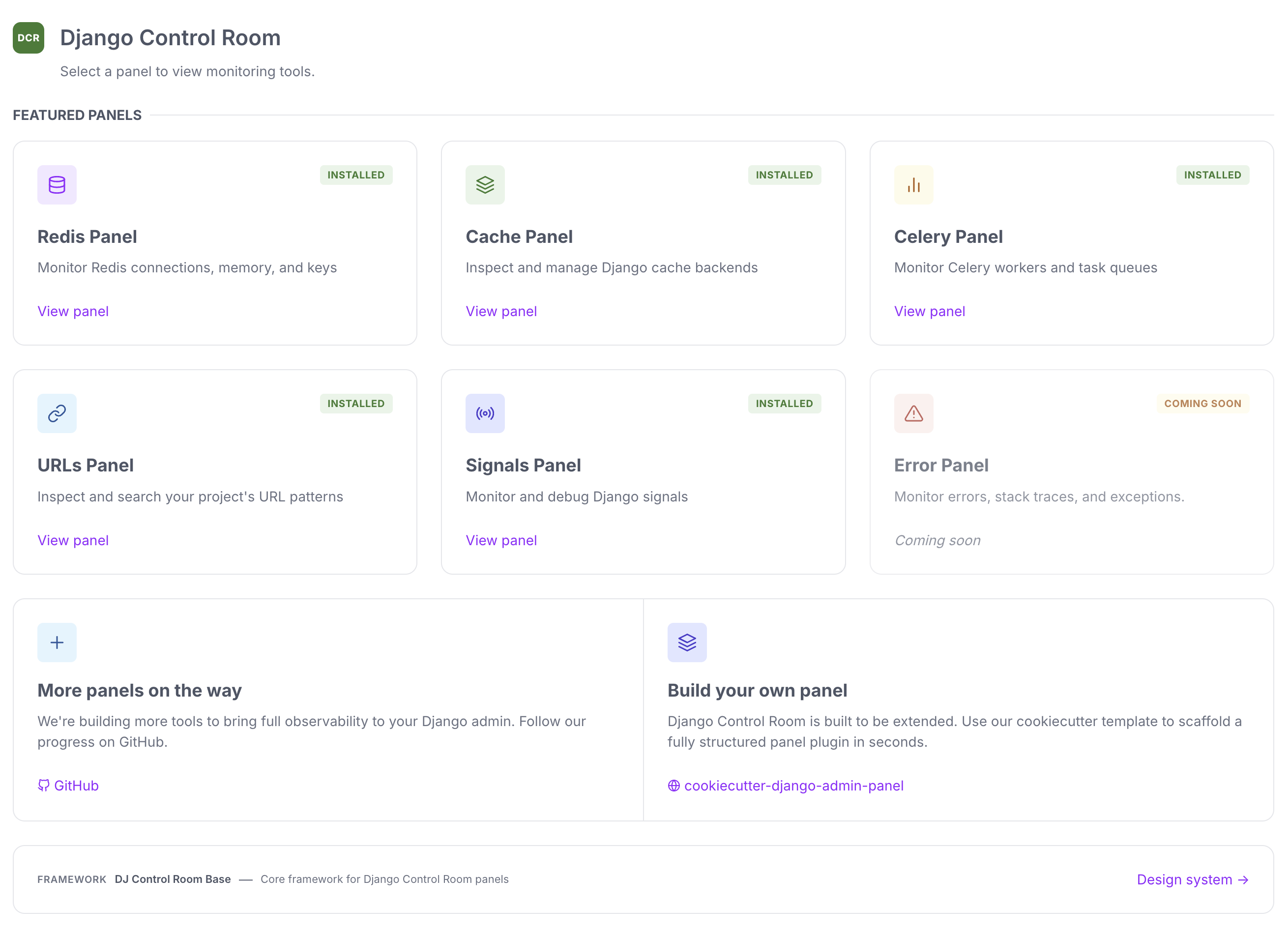
}These are reference panels built using the same plugin framework described above - a great way to see it in action, and a starting point if you want to build your own.
| Panel | Description | Install |
|---|---|---|
| Redis Panel | Monitor connections, inspect keys, view memory usage | pip install dj-redis-panel |
| Cache Panel | Inspect cache entries, view hit/miss ratios | pip install dj-cache-panel |
| URLs Panel | Browse URL patterns, test resolvers | pip install dj-urls-panel |
| Celery Panel | Monitor workers, track task queues | pip install dj-celery-panel |
| Signals Panel | Inspect Django signals and recievers | pip install dj-signals-panel |
| Panel | Description | Status |
|---|---|---|
| Error Panel | Monitor errors, exceptions, and tracebacks | In Development |
The fastest way to create a new panel is using our official cookiecutter template:
pip install cookiecutter
cookiecutter https://github.com/django-control-room/cookiecutter-dj-control-room-plugin
This generates a complete panel structure with Django admin integration, tests, documentation, and Docker setup.
Prefer full control over the generated structure? You can build a panel by hand instead of using the cookiecutter template. See our Creating Panels Doc for the complete guide, or use our Build your own panel guide, which still uses the cookiecutter template to get started quickly.
Django Control Room includes built-in security features:
- Package Verification - Featured panels are verified by package origin
- Staff-Only Access - Requires Django staff/superuser permissions
- No Malicious Hijacking - Prevents panels from impersonating official packages
Visit the official site at djangocontrolroom.com for guides, tutorials, and examples.
Full documentation: https://django-control-room.github.io/dj-control-room/
- Python 3.9+
- Django 4.2+
We welcome contributions! Please see our Contributing Guide for details.
This project is licensed under the MIT License - see the LICENSE file for details.
Created by Yasser Toruno
Official Site • Star us on GitHub • Report Bug • Request Feature