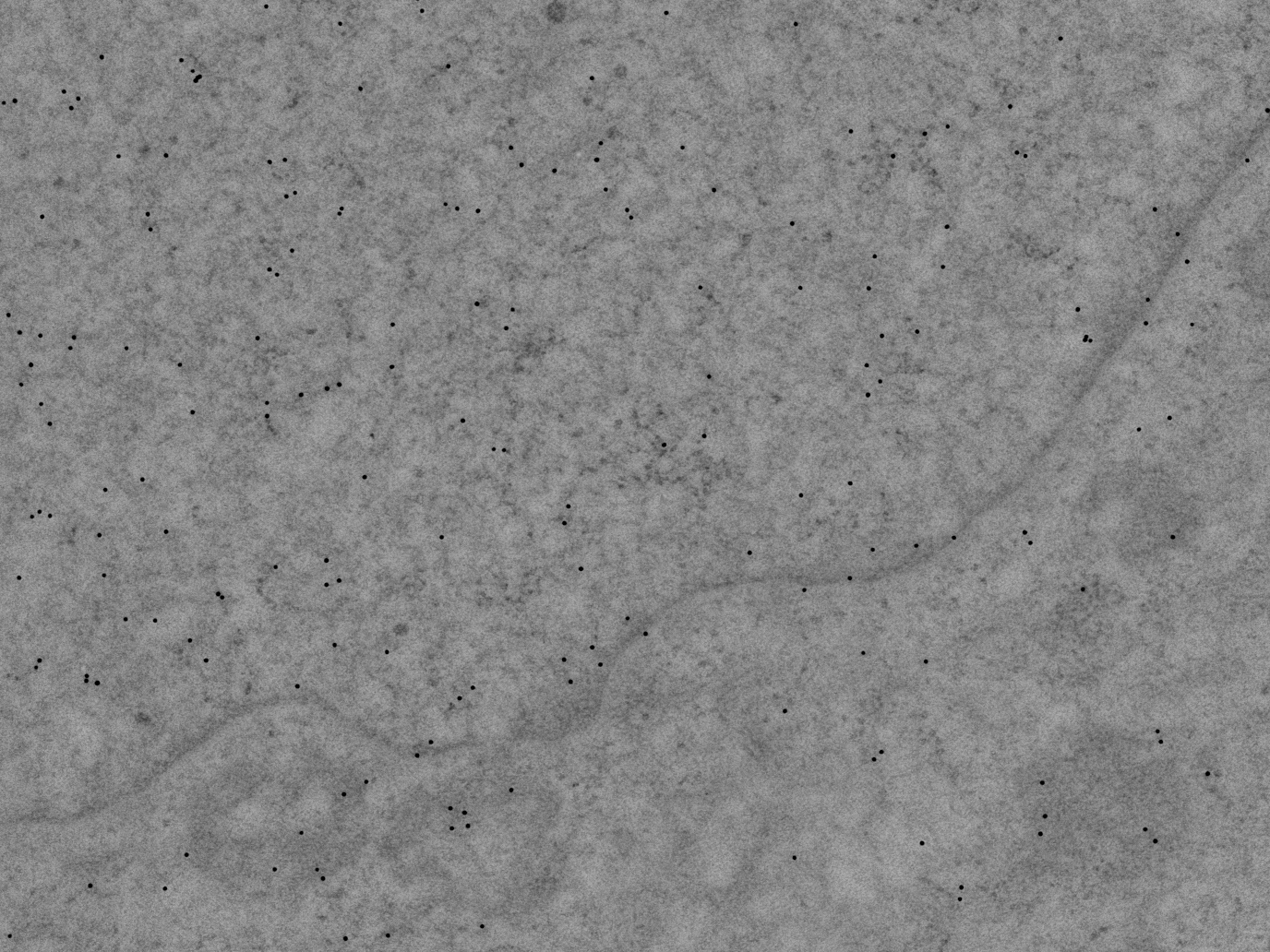
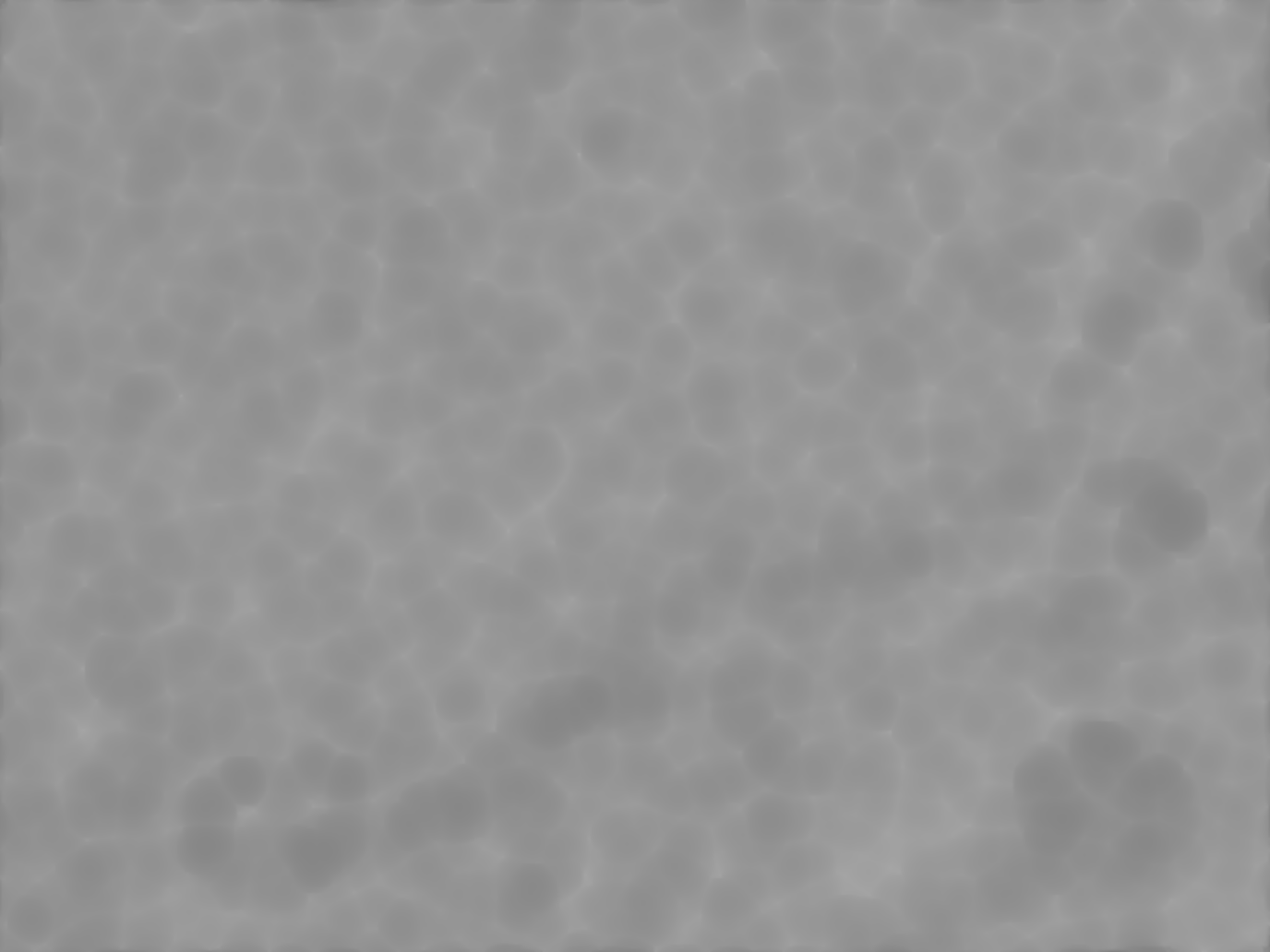
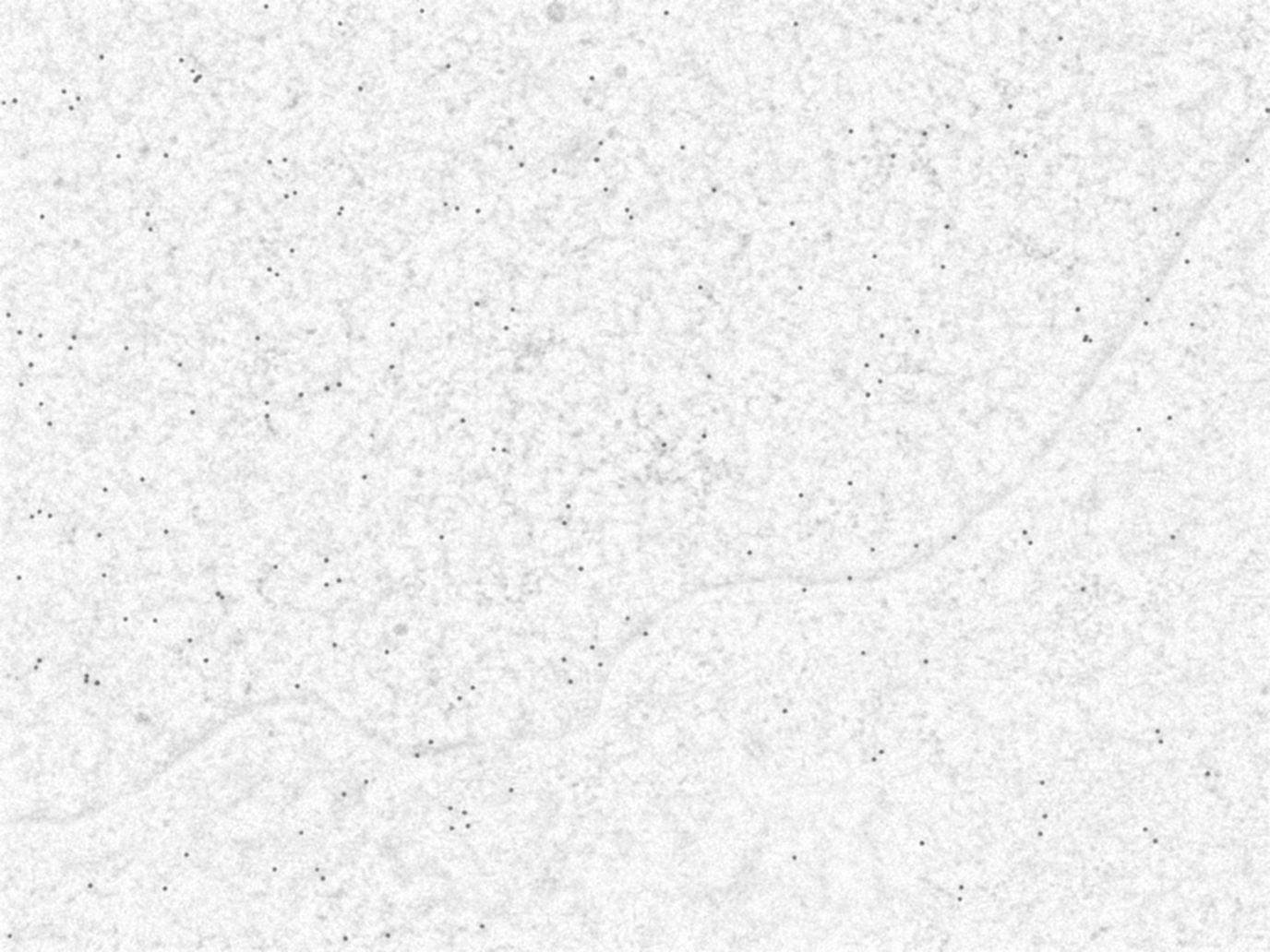
Fully Ported to Python from ImageJ's Background Subtractor. Only works for 8-bit greyscale images currently. Based on the concept of the rolling ball algorithm described in Stanley Sternberg's article, "Biomedical Image Processing", IEEE Computer, January 1983. Imagine that the 2D grayscale image has a third (height) dimension by the image value at every point in the image, creating a surface. A ball of given radius is rolled over the bottom side of this surface; the hull of the volume reachable by the ball is the background. http://rsbweb.nih.gov/ij/developer/source/ij/plugin/filter/BackgroundSubtracter.java.html
This algorithms are perfect for microscope images, to distinguish particles from background.
pip install opencv-rolling-ball# Ejemplo A: usando PIL (Pillow)
from PIL import Image
import numpy as np
from cv2_rolling_ball import subtract_background_rolling_ball
img = np.array(Image.open('path/to/img.tif').convert('L')) # uint8 2D
img, background = subtract_background_rolling_ball(
img, 30, light_background=True, use_paraboloid=False, do_presmooth=True
)
# Ejemplo B: usando un array NumPy ya existente
# (cualquier método que te entregue un array uint8 2D es válido:
# imageio, tifffile, OpenSlide, capturas de cámara, etc.)
import numpy as np
from cv2_rolling_ball import subtract_background_rolling_ball
img = np.asarray(your_uint8_grayscale_array) # shape (H, W), dtype uint8
img, background = subtract_background_rolling_ball(
img, 30, light_background=True, use_paraboloid=False, do_presmooth=True
)