By Karel Cermak | Karlosoft.
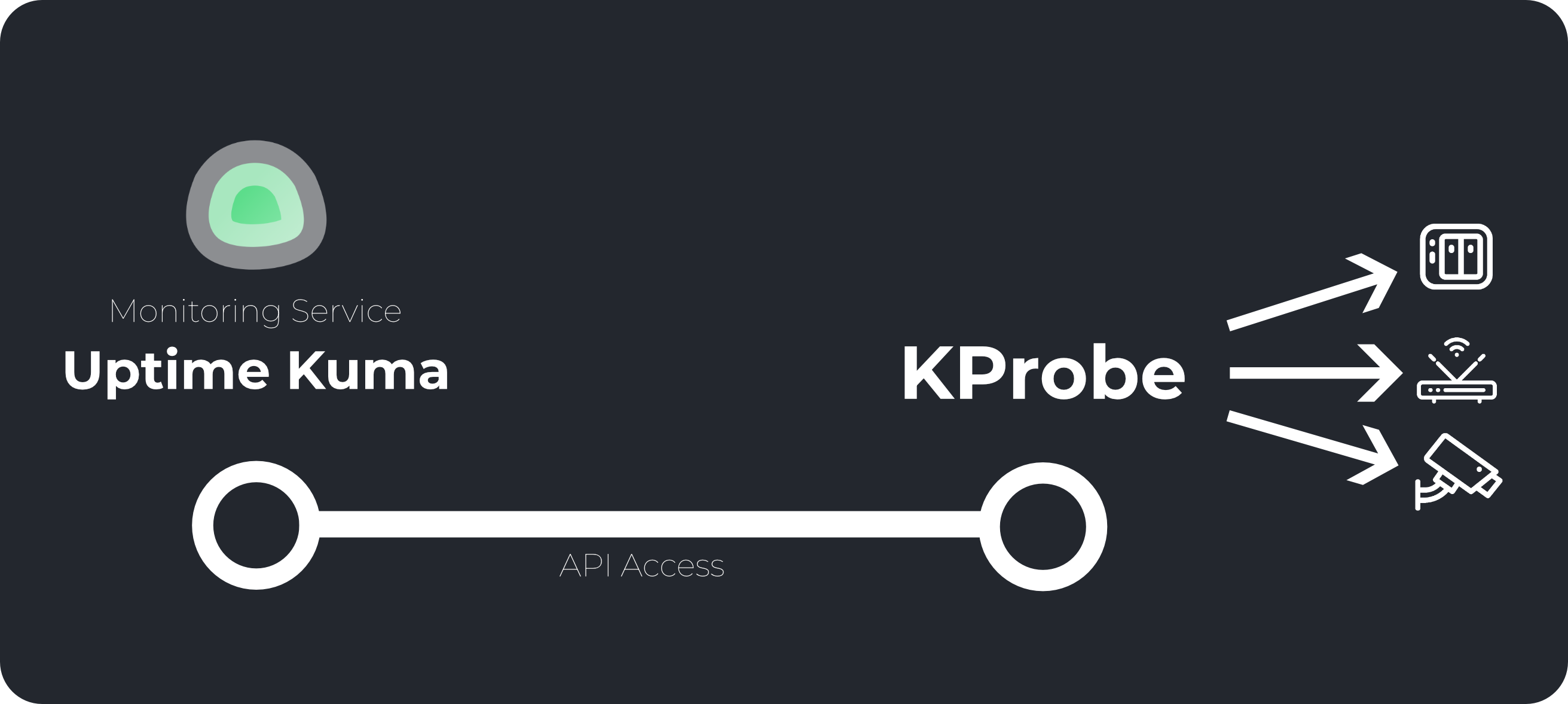
- KProbe is a lightweight, standalone monitoring system designed to run locally inside your network.
- It actively checks local devices – such as Wi-Fi access points, IP cameras, printers, and internal servers – using ping (ICMP) and HTTP requests.
- The status of these checks is exposed through a clean HTTP API, allowing you to easily integrate it with external monitoring dashboards like Uptime Kuma, Zabbix, or any custom tool of your choice.
- It is designed to be self-contained, easy to deploy, and runs completely independently on your local machine or server.
- Deploy: Set up a small local server or VM running Linux (Ubuntu, Debian, CentOS, RHEL, Rocky Linux, or Fedora).
- Install: Install KProbe using our native
.debor.rpmpackages as detailed in FAQ.md. - Configure: Define the local devices and services you want to monitor.
- Integrate: Point your favorite monitoring system (e.g., Uptime Kuma) to the KProbe API endpoint.
- The API provides straightforward JSON responses showing the status of each scan, allowing you to monitor internal networks securely without exposing them directly to the internet.
- ICMP Ping Checks: Monitor device availability with customizable timeouts and retry counts.
- HTTP/HTTPS Scans: Check web interfaces with timeout limits, expected HTTP status codes, and advanced response validation.
- Dynamic Expression Engine: Extract and evaluate variables from HTTP responses using JSON paths, boolean keywords, and logical operators (
&&,||,!, comparisons). - Simple Web Editor & CLI: A minimal web-based configuration editor and a full-featured CLI to manage everything easily.
- Standalone API Server: A dedicated, lightweight API service to fetch scan results on demand.
-
Absolutely. The HTTP API is fully standalone, meaning you can query check statuses directly, integrate them into your own dashboards, or write simple scripts to process the results.
-
Please note:
- KProbe is focused entirely on local execution and state reporting; it does not send notifications.
- There are no plans to add alerting features, as it is intended to feed status data to systems that already handle notifications.
- For complete installation guides, command references, and troubleshooting, check out FAQ.md.