


A lightweight NuGet and Symbol server.
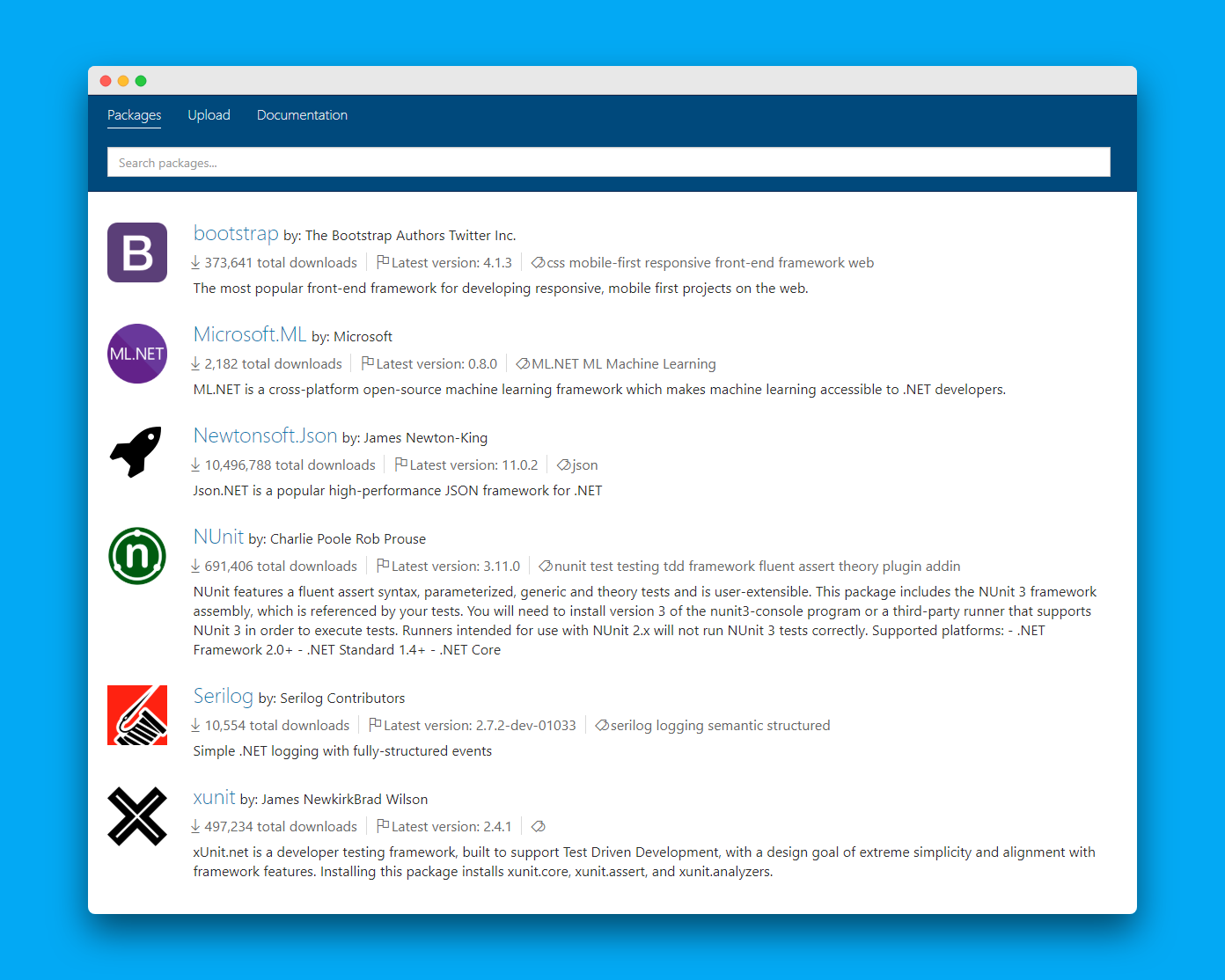
- Install .NET Core SDK
- Download and extract BaGet's latest release
- Start the service with
dotnet BaGet.dll - Browse
http://localhost:5000/in your browser
For more information, please refer to our documentation.
- Cross-platform
- Dockerized
- Cloud ready
- Supports read-through caching
- Can index the entirety of nuget.org. See this documentation
- Coming soon: Supports private feeds
- And more!
Stay tuned, more features are planned!
- Install .NET Core SDK and Node.js
- Run
git clone https://github.com/loic-sharma/BaGet.git - Navigate to
.\BaGet\src\BaGet - Navigate to
..\BaGet - Start the service with
dotnet run - Open the URL
http://localhost:5000/v3/index.jsonin your browser
- Run
git clone https://github.com/loic-sharma/BaGet.git - Navigate to project folder
- Run
docker run --rm --privileged multiarch/qemu-user-static --reset -p yes - Run
docker buildx create --name multiarch --driver docker-container --use - Run
docker buildx inspect --bootstrap - Run
docker buildx build --progress plain --platform linux/amd64,linux/arm64 -t registry/repo:tag --push .