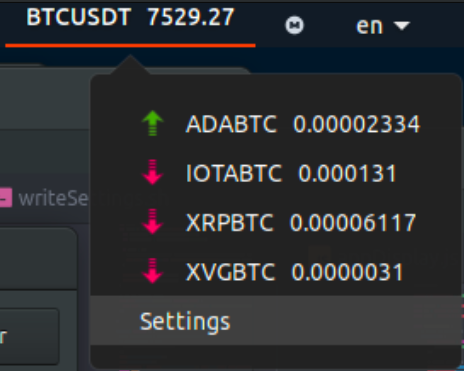
Crypto Ticker is a Gnome extension that get the current live price of a large number of ticker from Binance servers and show it in your panel.
- Download or clone this repository
- Copy the folder 'cryptoTicker@Ricx8' to '~/.local/share/gnome-shell/extensions/'
- Go to Tweaks > Extensions and activate CryptoTicker
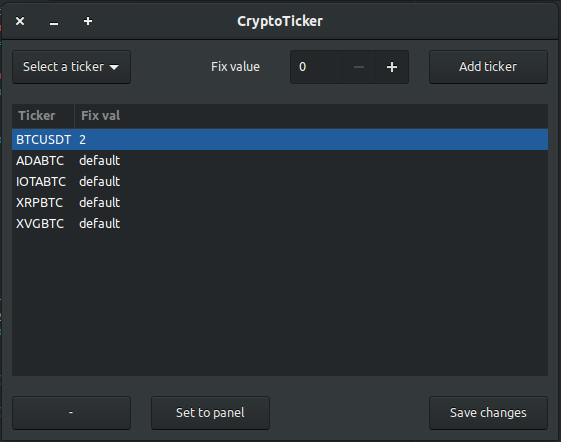
Click Settings. This will open a window where you can add, remove or modify the tickers.
- Gnome 3.28.1 (Ubuntu)
- Fork it
- Create a new branch with a meaningful name (git checkout -b newFeature)
- Add yourself to the CONTRIBUTORS.md file
- Commit changes (git commit -m 'Changes made')
- Push to your branch (git push origin newFeature)
- Create a new pull request
Release under the GNU General Public License v2.0. See LICENSE file for details.